Introduction#
I’ve been working on Slim Graphics for a while. It’s been my toy graphics engine for a few years now.
I’ve used Slim Graphics as a springboard for learning modern graphics techniques, such as GPU-driven rendering and mesh shaders, as well as lower-level GPU programming with compute shaders, wave intrinsics, and more.
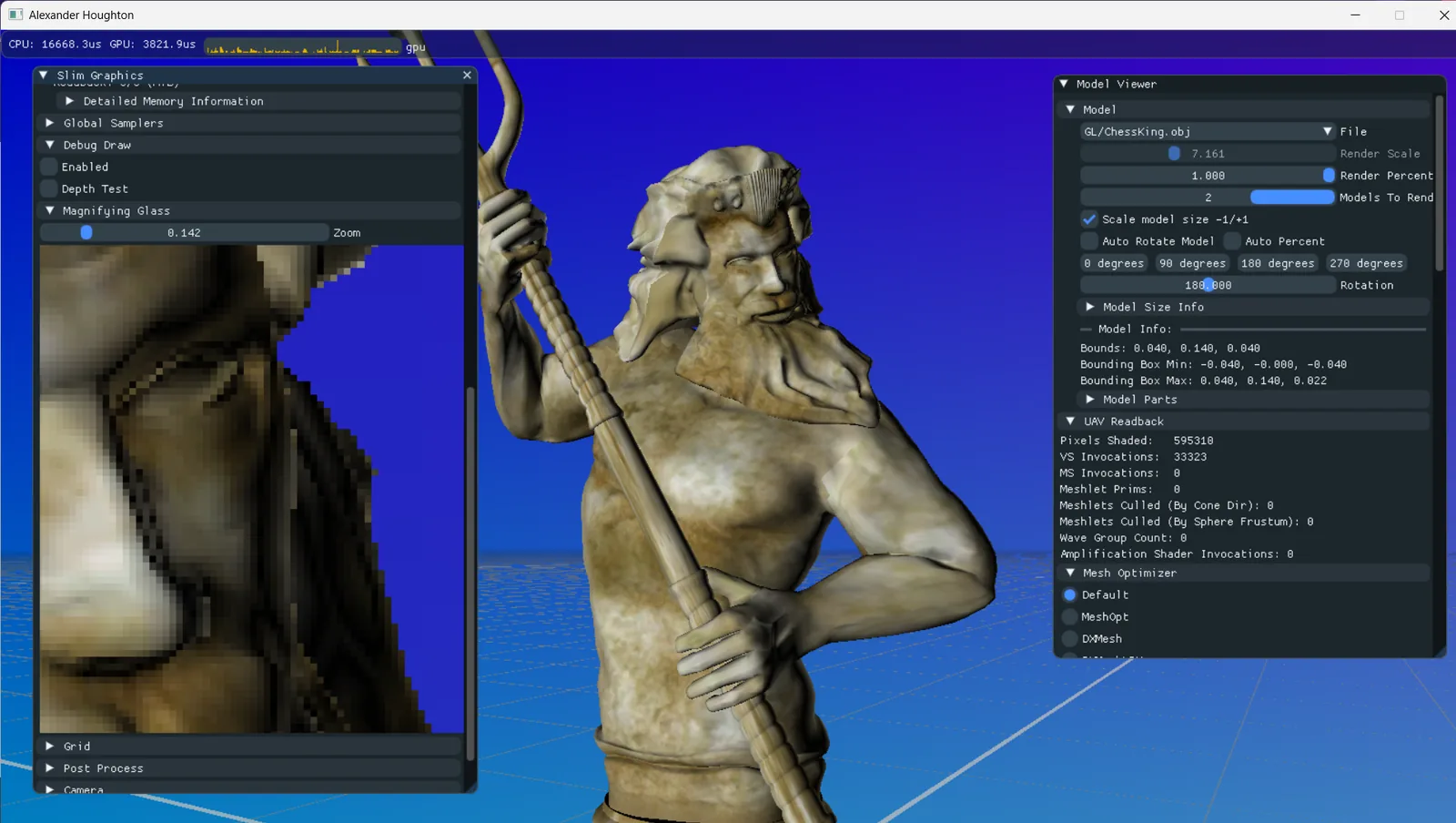
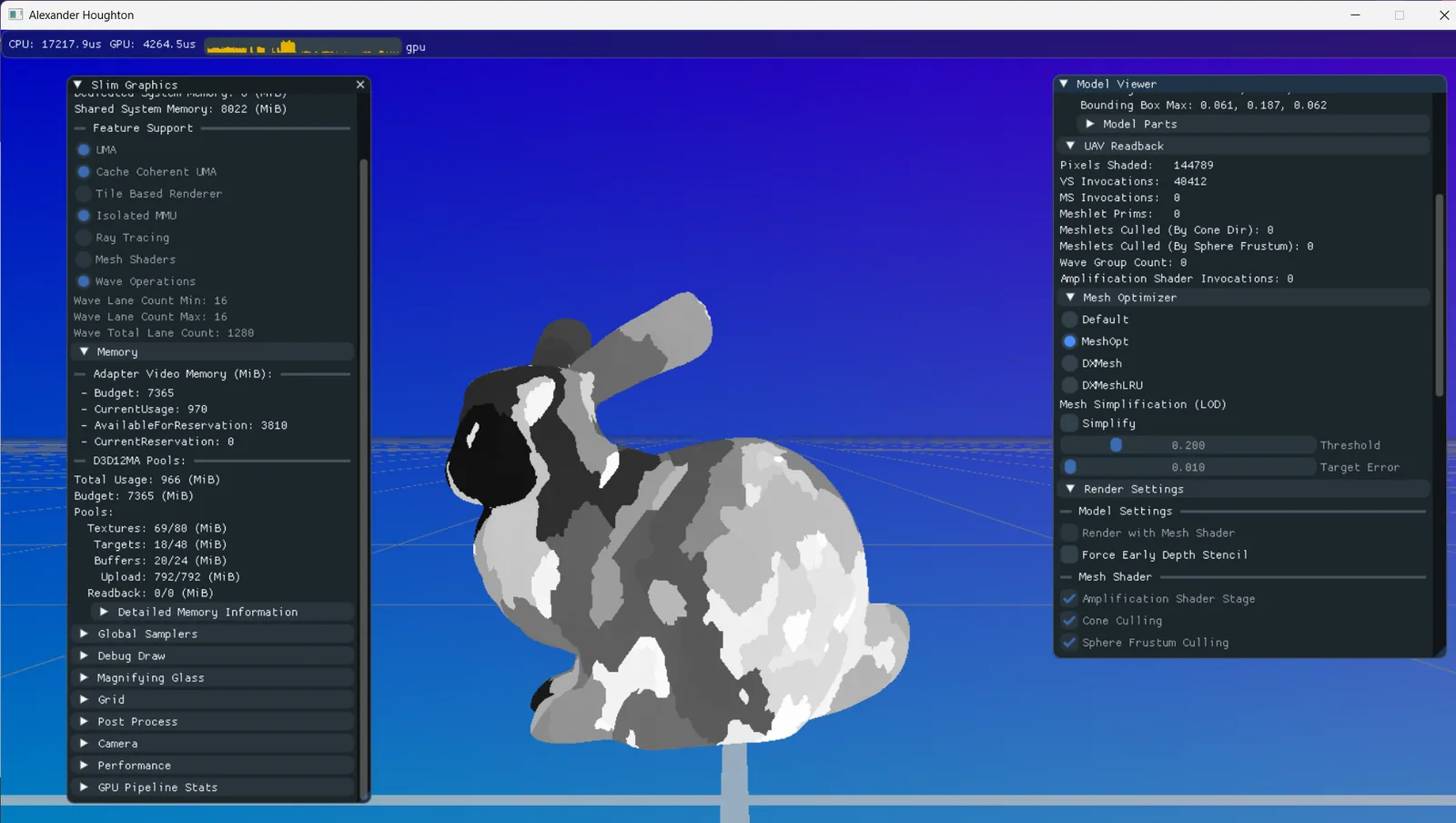
AI has had very little input into the project. Over the past six months or so, I’ve used Claude more as an advanced search engine—to suggest ways to fix problems I encounter, or as a learning tool to help me understand a feature. I’ve often found that AI does a good job of consolidating documentation from multiple sources. I’ve also been strict with myself: I try to solve problems on my own first rather than turning to AI as my first port of call.
Because Slim Graphics is a tool for me to learn programming and graphics techniques, I have no appetite for letting AI add entire new features from scratch and commit them; I wouldn’t learn anything from that process. It would be no different from downloading Unreal Engine and claiming I had built my own PBR renderer…
However, as a way to evaluate the capabilities of modern AI, I’m curious to see what would happen if I unleashed it on my engine and let it add a host of features that are on my future roadmap, such as:
- Finish off Vulkan backend renderer
- Deterministic rendering tests and validation for all features
- GDR Scene - More complex scenes and stress test scenarios
- GDR Scene - Texture support
- GDR Scene - Terrain/Landscape rendering
- Full PBR rendered scene with ray-tracing support and reference path-tracer
All of the work the AI has done to Slim Graphics has been committed to a separate branch here: Slim Graphics - Claude
Unleashing the AI#
I initially started by asking the AI to do the following:
Please check over the entire Slim Graphics project and write me a report of all bugs and functional issues you find.
Straight away it found some genuine bugs. Here are a few:
- 🤖 “GPU memory is never freed. sgD3D12Memory.h never releases its allocation, and with a GDR scene loaded the instance buffer is reallocated every frame (gdrScene.cpp:353). Video memory keeps growing.”
- 🤖 Barrier bookkeeping bug at
sgD3D12CommandList.cpp:93: it writesobserved_resources_in[barrier_count_out]where it should usebarrier_count_in, so the same resource can be transitioned twice. - 🤖 Several crashes in ImGui when collapsing windows.
- 🤖 PNG/JPG textures come out garbled unless the width is a multiple of 128. The copy reads rows at a 512-byte pitch, but the data is written tightly packed.
I asked it to fix all of these issues plus any other obvious bugs it came across. This is the commit it made: 1911429. Overall I was impressed with the changes and my own testing afterwards showed everything remained fully functional.
Vulkan Backend#
Okay, it handled code review and cleanup fairly easily. Let’s give it something more challenging: the entire Vulkan renderer backend. This is something I had already started locally but not got around to finishing. I had all the shaders compiling to SPIR-V, and the D3D12 backend files had been duplicated, renamed, and stubbed out. The code compiled with very basic device and instance initialisation, and I’d written a few lines for command-list creation. I’d estimate that the implementation was only 5–10% complete; it was a long way from submitting any work to the GPU.
I wanted the AI to just get on with it and not bother me with questions and queries, so below is the prompt I sent:
After this, I would like you to fully implement the Vulkan renderer using Vulkan HPP. You can see how I already started this in the Vulkan device. I already have shaders compiling. Sometimes there are differences between D3D12 and Vulkan that require the graphics abstraction layer to change, feel free to make sensible changes to the higher level code and abstraction layer but if you do, you must ensure the D3D12 version remains functional.
You can build the Vulkan version of the project with
generate_project_files.bat /vulkanShader compiling is already functional under Vulkan last I checked.
I want the Vulkan backend to be at visual and functional parity with the D3D12 version. Please ensure this works as expected.
Then clean up the Vulkan code to make it conformant, clean and optimal.
Do not stop at any point during this command to prompt me for input, you must complete it fully. Make sensible design choices and ensure Vulkan is optimal.
It took just under an hour for it to return with the entire Vulkan backend implemented. Unfortunately I reached my usage limit within this time period. Impressively, it added tools for testing the output autonomously, including a way to specify scenes and settings via the command line, as well as methods for capturing the backbuffer to disk for validation and comparison.
The implementation wasn’t finished because I’d hit my usage limit. When I returned, I tested it further and sent the following prompt:
Commit what we have here as a checkpoint.
When I run the Vulkan version I hit this error: (Swap chain validation error ommitted for size)
Ensure all other Vulkan errors are fixed.
When I skip past this, I don’t see my 3D model rendering anymore. The default model is the Nvidia Head which rendered under D3D12.
Then ensure the Vulkan code works exclusively with the following extensions:
VK_EXT_descriptor_heap
VK_KHR_dynamic_rendering
VK_EXT_shader_object
VK_EXT_shader_object
VK_EXT_descriptor_indexingI want it to be a very modern Vulkan rendering implementation.
If you need to modify the Vulkan shader compiler to make the rest of the code cleaner please do.
Make these changes, then address the points you said are still to do.
Validate Vulkan and D3D12 for rendering and functional parity and ensure they are free of validation errors.
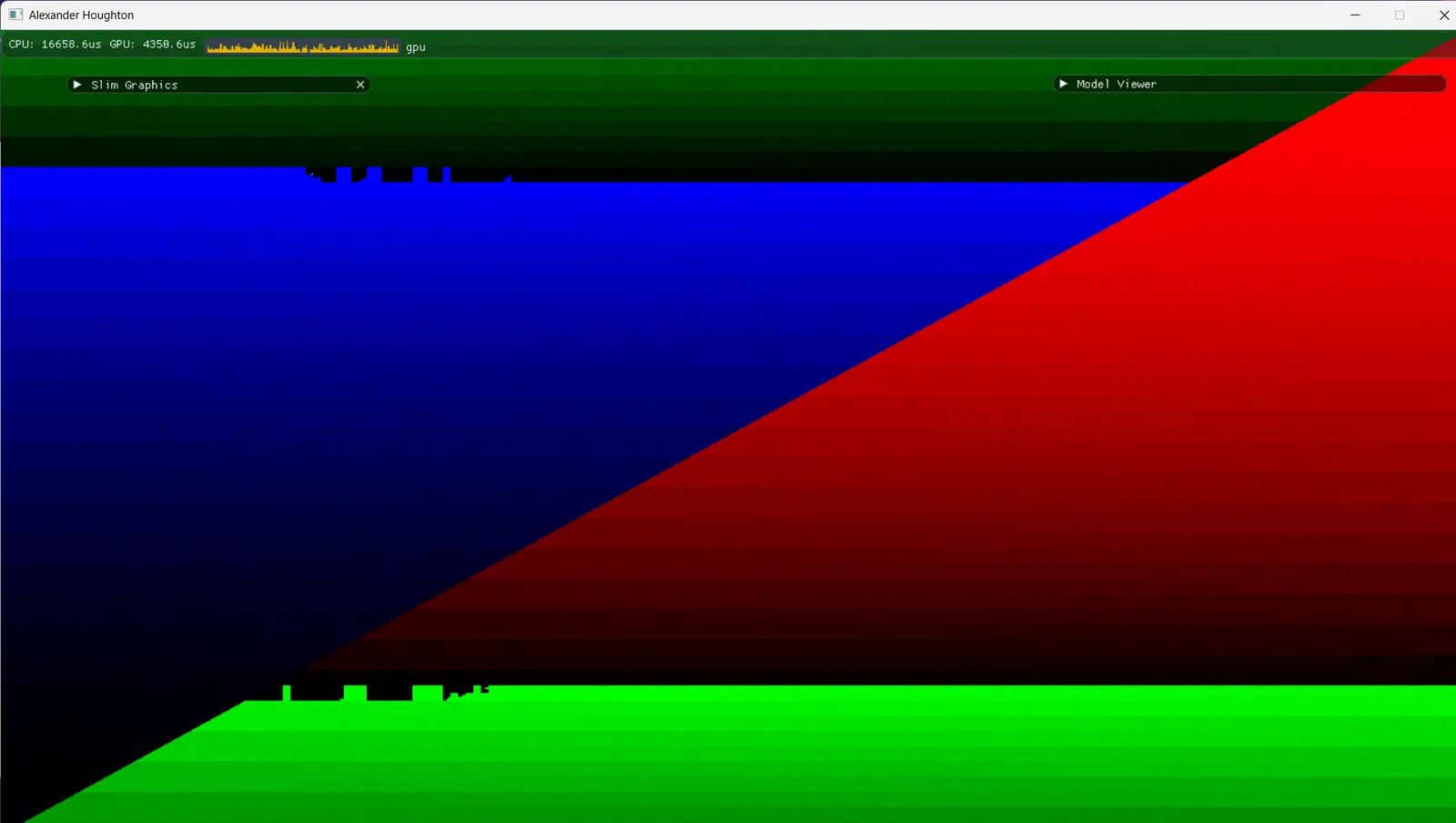
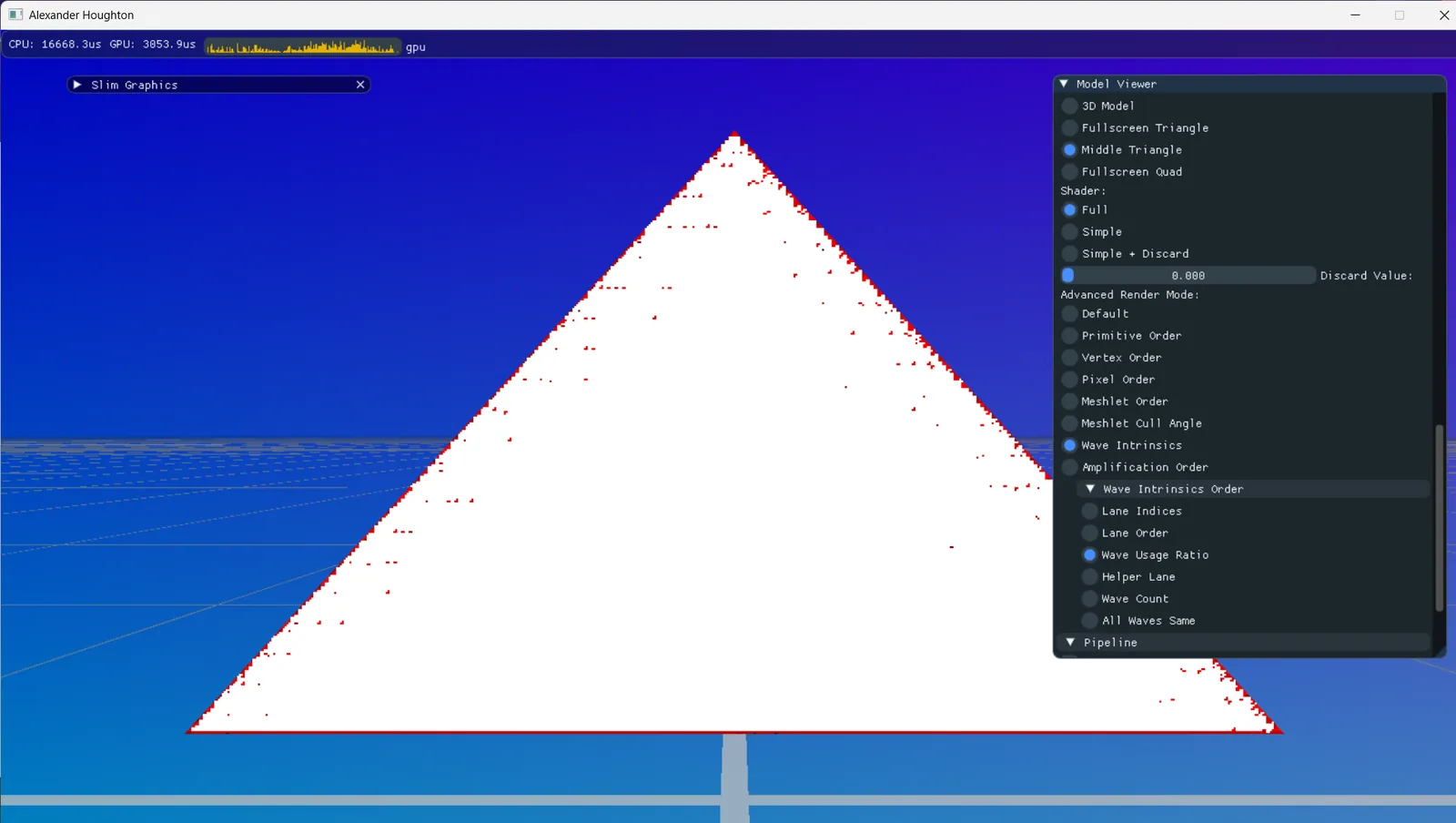
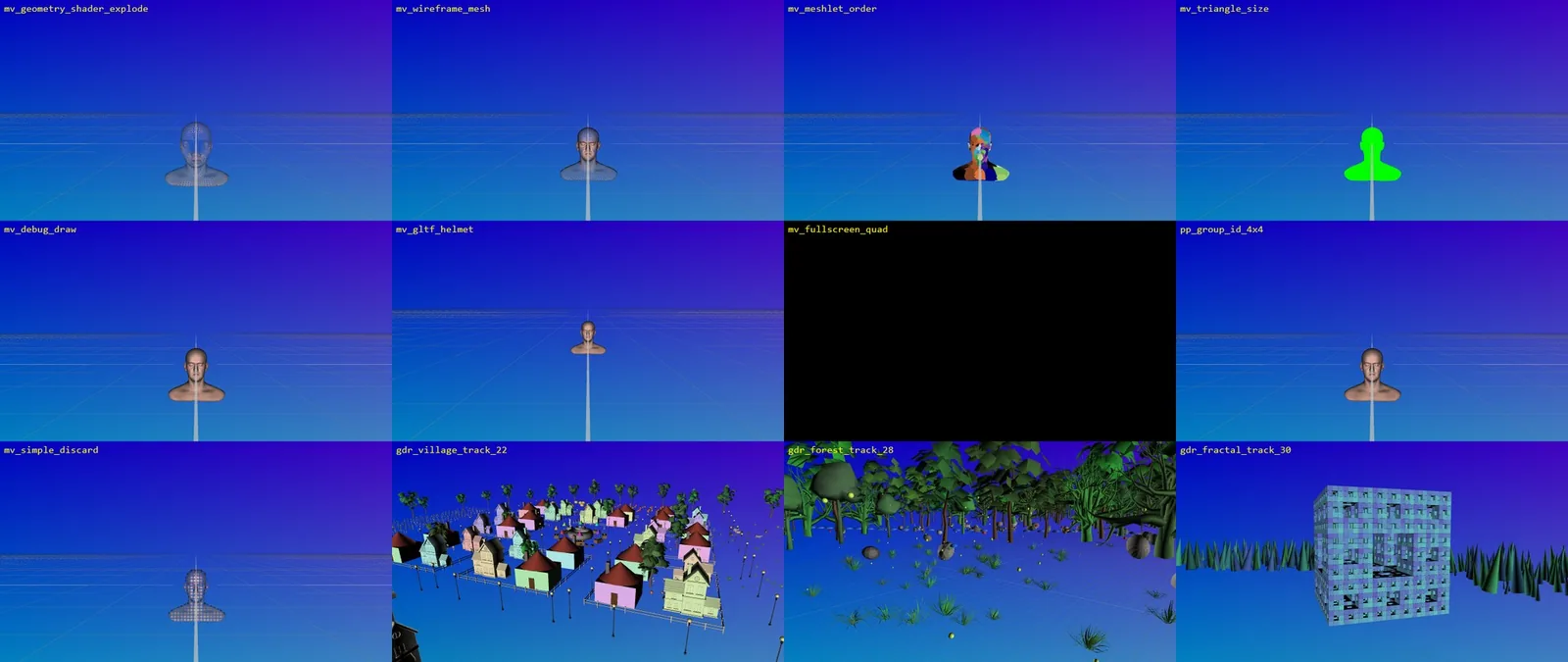
This is where things became really impressive: the AI started capturing screenshots of features from the D3D12 version and comparing them with the Vulkan output to understand what was happening. At this point, the main head mesh wasn’t rendering. The AI captured the following screenshots:
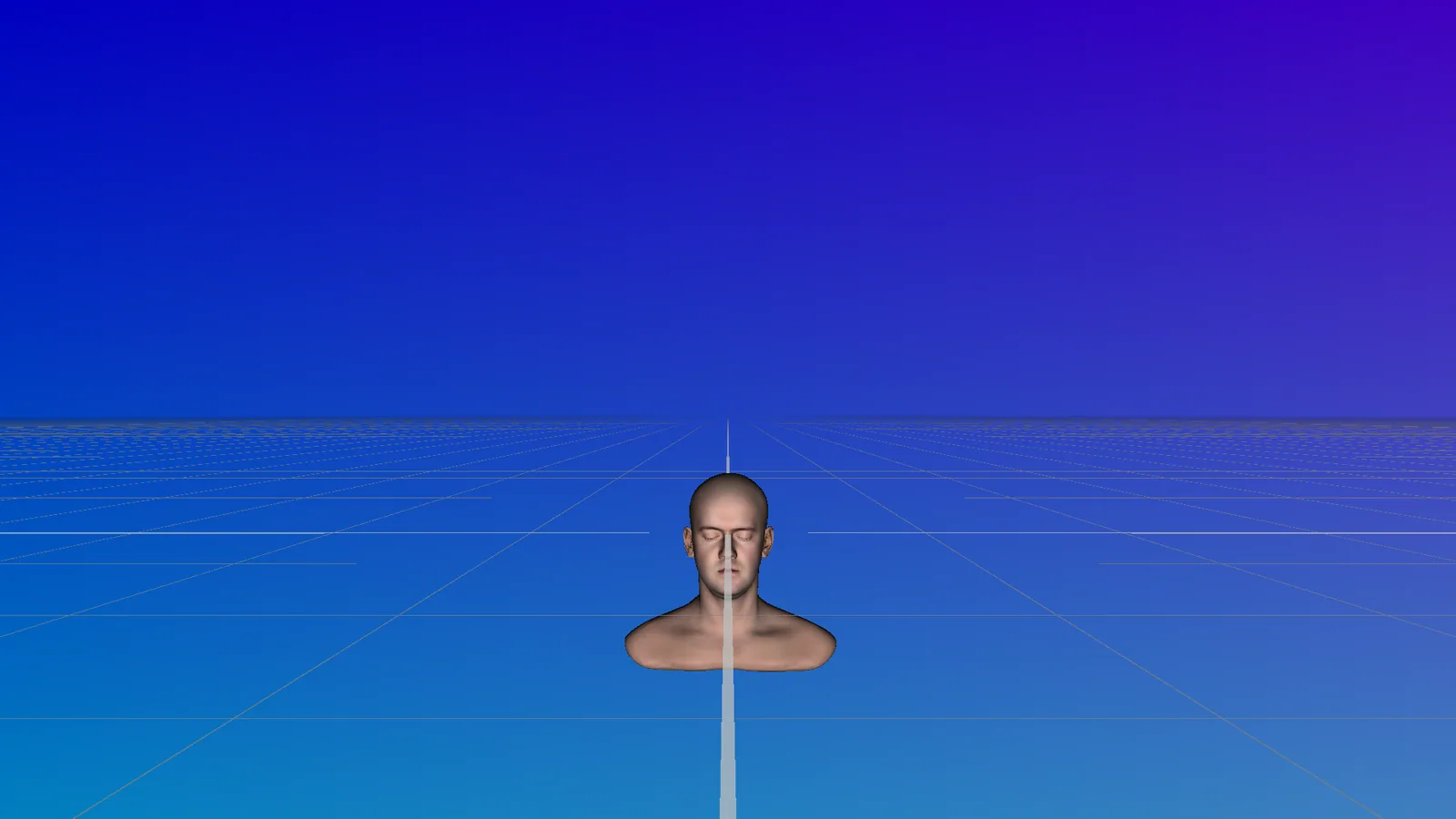
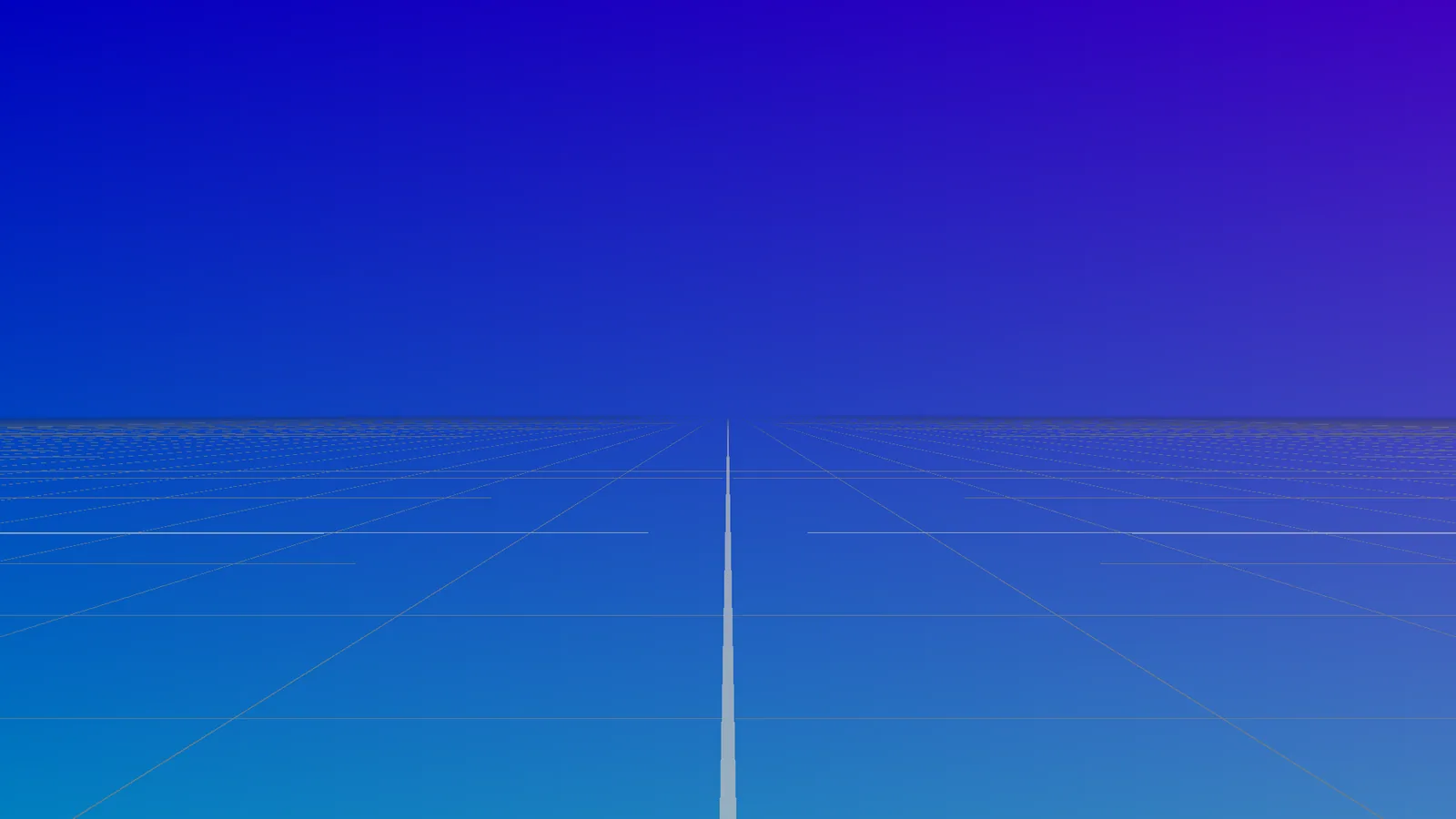
During the rest of the process, I noticed that a Win32 message box or assertion would sometimes appear while the application was running and wait for user input. The AI didn’t seem to be aware of this, so I had to intervene manually at the breakpoints. The AI then fixed the bugs. It might have timed out otherwise, but I was there to step in.
The AI began the full rewrite using the modern extensions before fixing the missing-head bug. Once the rewrite was complete, the head was still missing, so it turned its attention to that issue. The process it followed to diagnose and fix the missing head is quite interesting. Here’s some of the output from that debugging process:
- 🤖 Everything matches the D3D12 reference (sky, grid, ImGui, secondary viewport) and validation is clean. The only difference is the missing head. Moving on to that.
- 🤖 The vertex shader path renders the head correctly. Checking the mesh shader paths:
- 🤖 The mesh shader path draws nothing, with no validation errors. Reading the mesh shader and how ModelViewer binds its data.
- 🤖 The mesh shaders misread float3 vertex data because DXC’s default Vulkan layout pads it to 16 bytes, while D3D12 packs it tightly. I’m checking the compiler arguments next, to switch to -fvk-use-dx-layout and enable scalarBlockLayout. The pre-build step recompiles every shader on each build, so rebuilding the compiler is enough. Now enabling scalarBlockLayout on the device:
- 🤖 Still no head. Checking whether the shaders were actually recompiled with the new flag: Shaders were recompiled. Disassembling the model viewer mesh shader to check the Vertex array stride and the decorations:
- 🤖 DXC dropped
VerticesandUniqueVertexIndicesfrom the SPIR-V entirely, so the vertex-output code was optimised away. Looking at what remains of the vertex writes: - 🤖 DXC’s SPIR-V backend dropped every store to the base-struct members in the mesh shader output, so the vertices come out with undefined positions. I’m checking how widely that struct inheritance is used. VS_OUTPUT is only used as PS_INPUT’s base, so I’ll flatten it into PS_INPUT. Same layout and semantics, no inheritance:
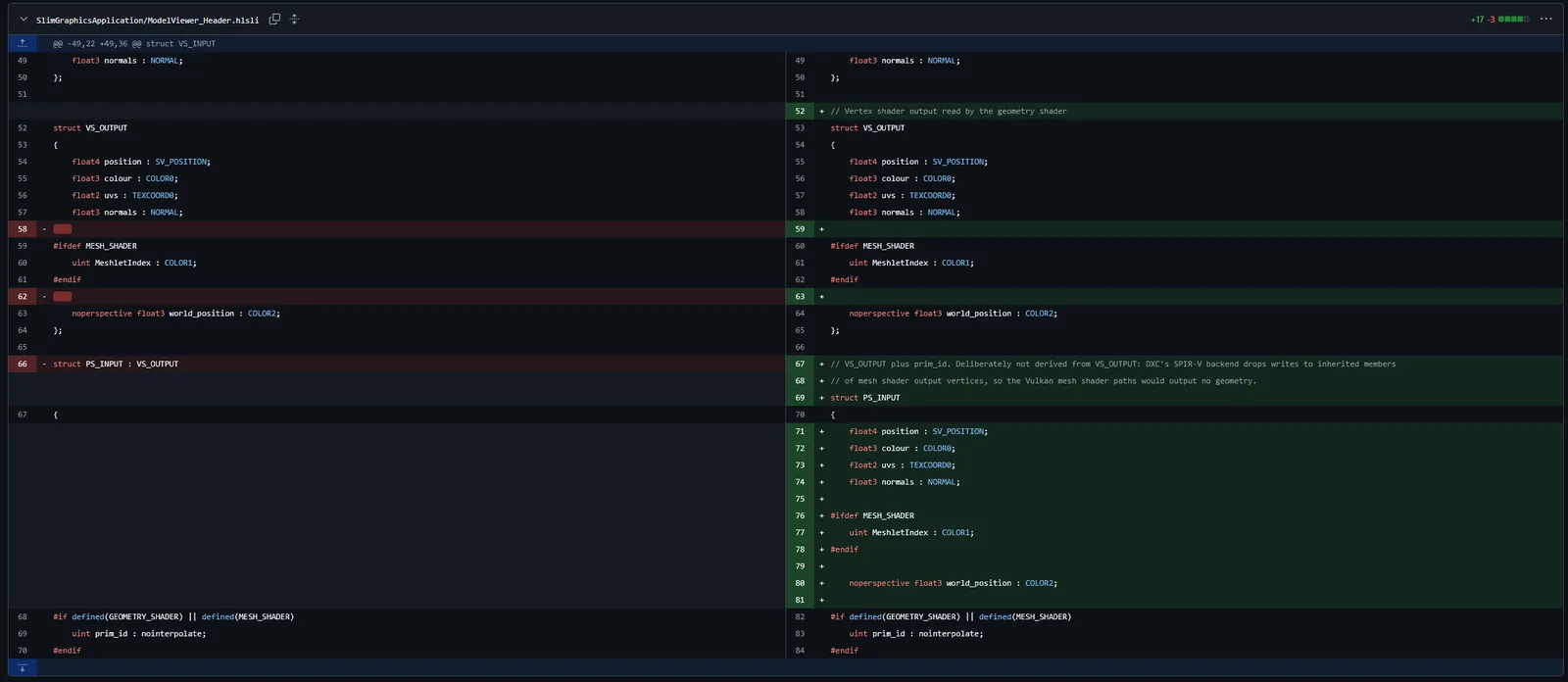
It was a nasty, subtle issue that the AI managed to diagnose and fix—assuming everything it told me was correct…
The AI then captured many images from both backends and compared them, reporting “Parity is near-exact, with only 56 differing pixels (0.003%) along horizon grid lines”.
I tested the Vulkan backend at this point, and it appeared to be at full functional parity with D3D12. It was quite impressive. Before I started looking at the code myself I sent the following prompt:
Then after all that is done. Do a sanity pass over the entire vulkan rendering layer to ensure the following:
- It is fully optimal and the code is a simple as possible
- The code is not bloated and duplicated code is limited and well abstracted
- The vulkan makes full use of the modern extensions I told you to use earlier and it makes full use of vulkan HPP as well as VMA
- Ensure no vulkan error return codes are ignored and ensure errors are reported and dealt with appropriately
- Do a thorough code review of the entire vulkan layer. Analyse the code style, functionality and ensure it is optimal.
- Fully test and verify all changes after this is done.
- Commit all the changes.
It made quite a few cleanup changes here and added a lot of extra VKCHECK macros.
Interestingly it also claimed to find a Vulkan bug in the ImGui submodule which it added a patch for locally:
🤖 The ImGui patch now fixes two bugs. I found a second one in ImGui’s Vulkan code that upstream still has: an unaligned memory flush when it uploads new font glyphs, so it only fired in some runs. The patch file in
SubModules/Patchescontains both fixes. The submodule’s own working copy still shows as modified, because the parent repo can’t commit inside it. After a fresh clone, re-apply the patch (validate.ps1 -ApplySubmodulePatchesdoes it).
Vulkan closing thoughts:
Overall, I was impressed. In a very short time, I’d gone from a barely initialised Vulkan backend to Vulkan and D3D12 rendering backends that were at parity.
If I’d implemented the Vulkan backend myself, it would have taken weeks or months, given that I only work on the engine in my spare time. But I would undoubtedly have learnt a hell of a lot more about Vulkan, VulkanHPP, and using Vulkan exclusively with its modern extensions. Learning these extensions was the main reason I wanted to add Vulkan to my engine: I’d used Vulkan 1.0 before and had experienced the pain of render passes, pipeline states, and complex binding setups.
By letting Claude implement the Vulkan backend, I have learned absolutely nothing new.
GDR Scene#
Next, I asked the AI to add new features to my existing GDR (GPU-driven rendering) scene. I’d been working on it for the past few months to create a fully GPU-driven scene. It loads a complex scene from a JSON file, traverses the scene graph, builds GPU data, processes it per instance, and performs per-meshlet frustum and cone culling.
One thing I didn’t have was a very complex scene setup. I could add individual meshes to the scene graph via ImGui and position, rotate, and scale them, but I dreaded having to build a complex scene manually. My existing scenes contained only one or two copies of the same objects and about six models in total. Below are my two prompts for this work:
Generate me a new GDR scene json file using the existing meshes available in the assets folder. Construct a reasonably complex scene that is a good test of the GDR system, with differing assets, rotations, sizes, scales, colours etc.
…
Now generate three more scenes, each with exponential complexity. Make them interesting.
Additionally add support for a spline based camera movement track which is deterministic which is unique to each scene that moves around the scene. Then generate a nice camera movement for each test scene.
After that I want you to add further tests to the validation tools to ensure even more features are functional across both backends.
Then I want you to modify the validation tools so they all run within the same session, so the program doesn’t have to keep opening and closing.
At this point, I noticed that the validation tests were taking a long time to run, partly because the engine closed and reopened for each test. I had to ask the AI to run them all in the same session to speed things up.
For the new scenes, it identified fairly quickly that many of the assets I already had on disk were problematic:
🤖 Several 3DBuilder meshes (Tree, Cat, Bulldozer) are Z-up and need a -90° pitch, sizes run from 0.2 to 440 units, and some are multi-part, which exercises GDR’s per-part instancing. I’m checking whether the assets folder is tracked in this repo next.
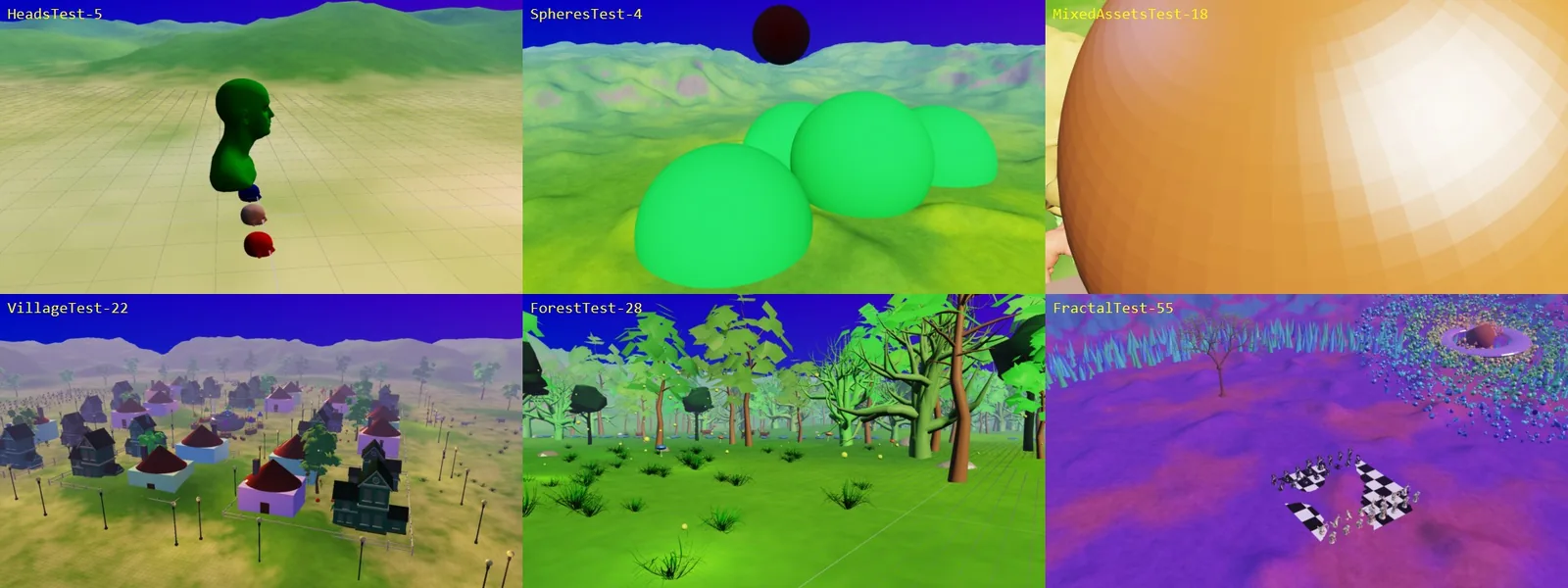
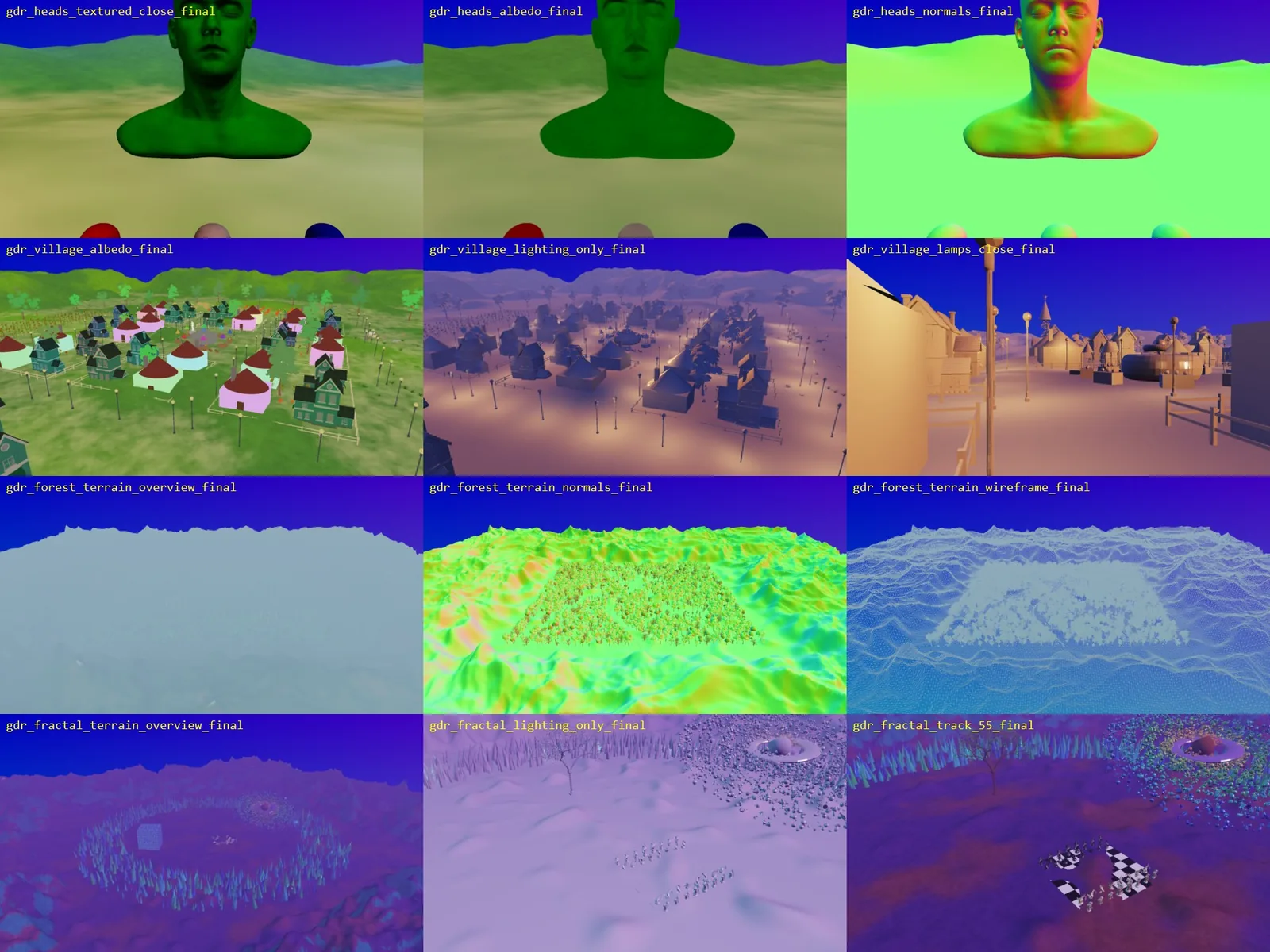
Here are some of the scenes it produced, tested, and captured screenshots of:
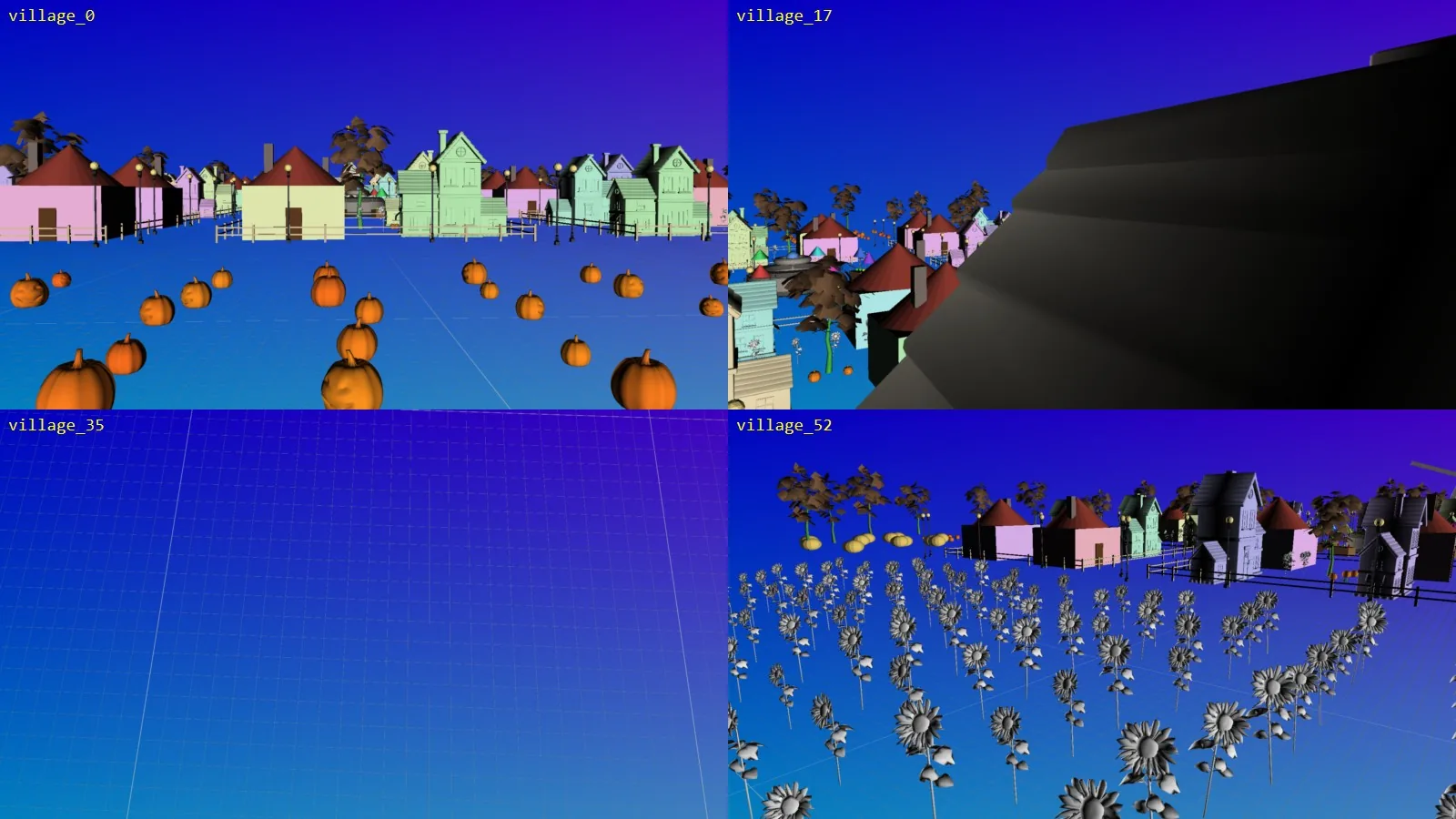
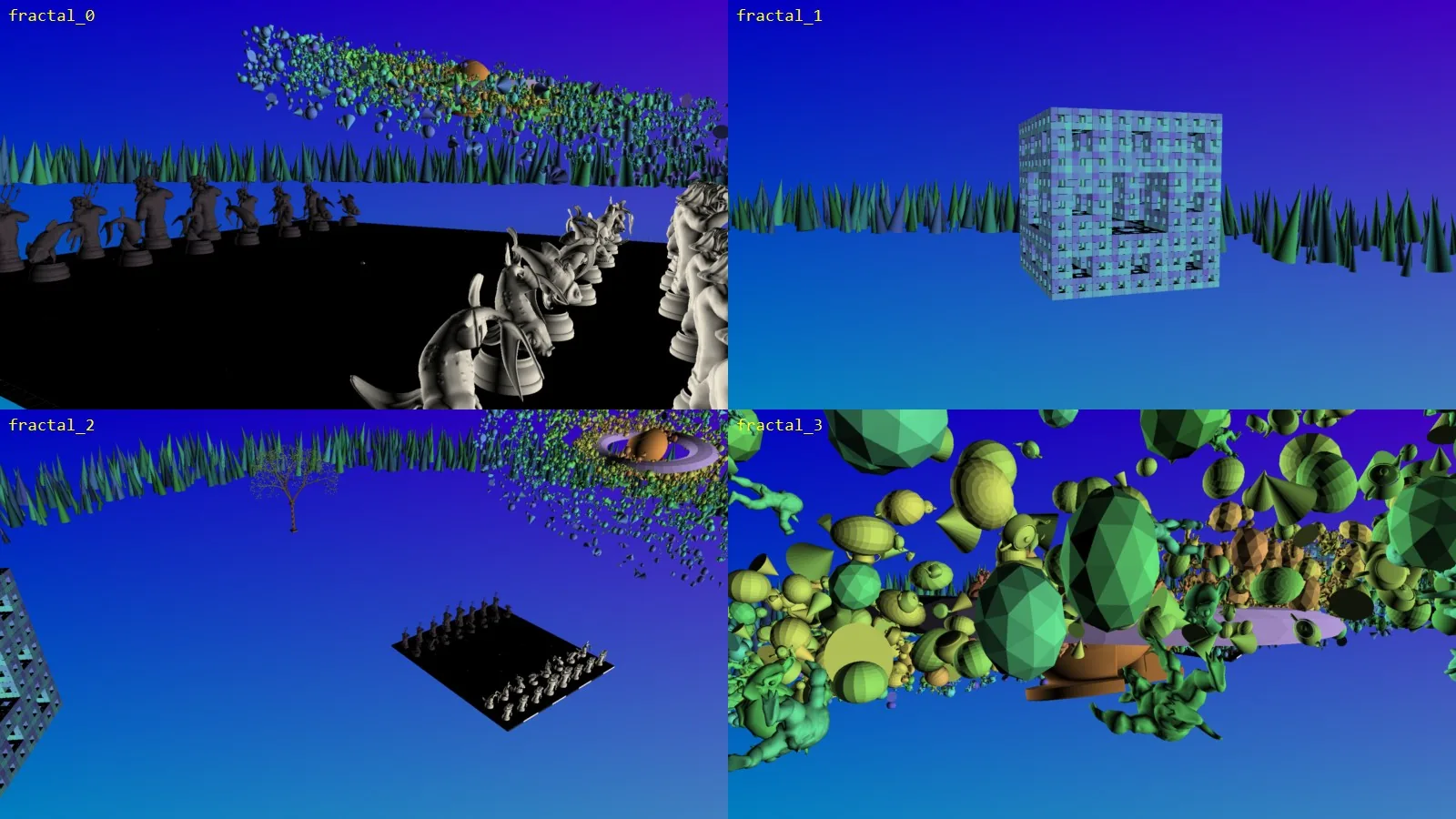
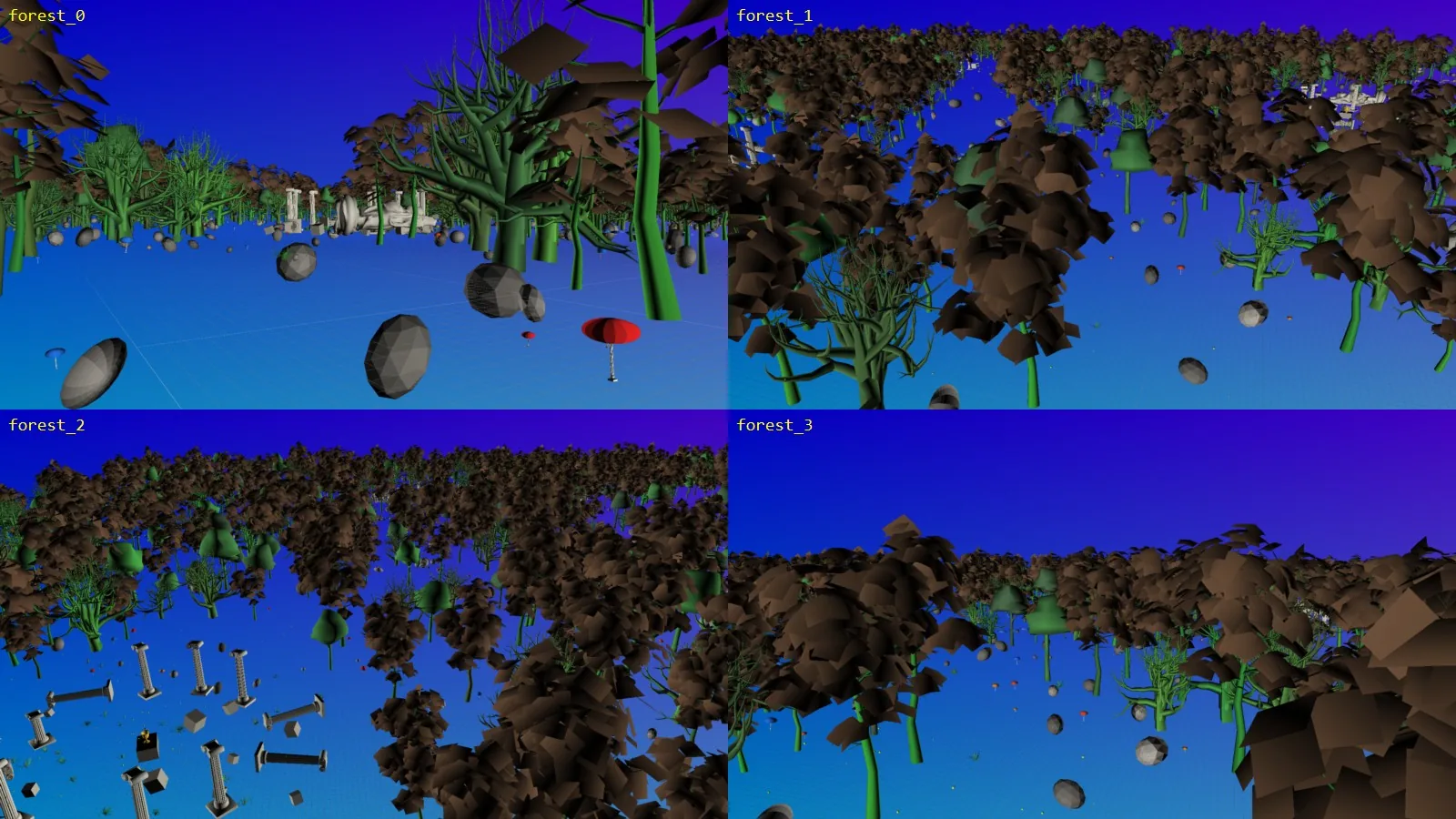
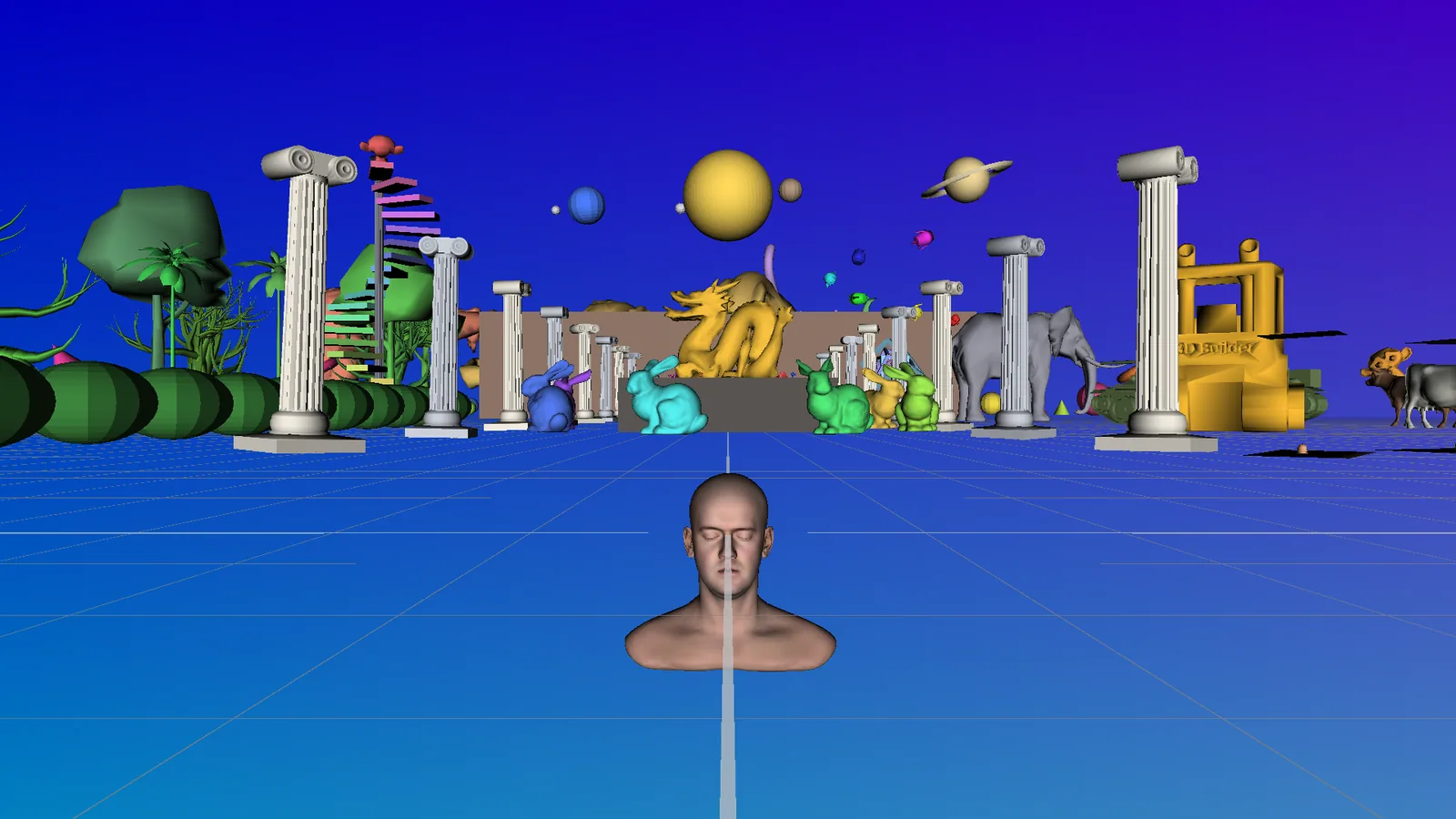
Overall I was again impressed here. How long would it have taken me to create these scenes by hand? My intention for more complex scenes was always to stress the graphics engine to ensure it was functional and I feel it’s done this very well. These scene files are just JSON files and I’m impressed how it generated the JSON files without iterating and viewing everything visually, it did it purely based on the JSON data.
You’ll notice that, after spotting the Pawn and King chess meshes, it even created a chess set for one of the scenes!
Next, I asked the AI to add support for loading and displaying textures, as well as rendering terrain. I won’t go into detail here: I had already implemented texture loading and visualisation in Model Viewer mode, but the AI did a decent job with both features. I also asked it to add directional and point lights to the existing scenes.
GDR Asset Loading Thoughts:
I think this is a good example of where AI really excels… I didn’t have anything specific I wanted to learn by creating more complex test scenes; I just wanted suitable scenes to stress-test GDR with lots of nodes and multiple meshes. The AI generated them extremely quickly, saving me a lot of time I would otherwise have spent making them by hand.
Ray-traced PBR Renderer#
Well, I was impressed by what the AI had achieved, so let’s give it something complex to sink its teeth into. Here’s my prompt:
I want you to create a brand new rendering viewer from scratch (not GDR, not ModelViewer) that will do photorealistic rendering through PBR materials, mesh shaders, full compute culling and ray-tracing. Use the sponza and bistro scenes as good test scenarios, or any other asset that has PBR materials.
The ray-tracing should have ray-traced GI, a good denoiser as well as ray-traced shadows. Don’t forget ray-traced reflections. The whole lighting should be physically based and have no visual artefacts.
A reference path-tracer should also be added.
Lots of tweakers and cvars should be added for this new rendering viewer that allow as much as possible to be tweaked and modified for experimentation.
Start by only implementing this for D3D12, I will request Vulkan support in the future.
Keep iterating on this request and testing the new rendering scene until it is perfect
This was by far the biggest and complex request I had given the AI so far. I left this prompt running while I went out for the day and returned to it in the evening.
It took about five to six hours to complete. Much of that time, however, was due to the validation requirements I’d imposed. They had become very complex, and running so many of them took a long time. When I came back and tested it myself, I found some issues with the camera while it was moving, so I asked for additional debugging tools and controls for changing the scene.
I then asked it to do some additional cleanup, checks and validation to ensure the code was as simple and as clean as possible. Because I wanted to review the generated code, I wanted it to be as good as possible. So I asked it to remove any duplicated functionality and slim the code down to make it more readable.
Below are some of the visual results from the process of adding PBR and ray-tracing support to the engine:
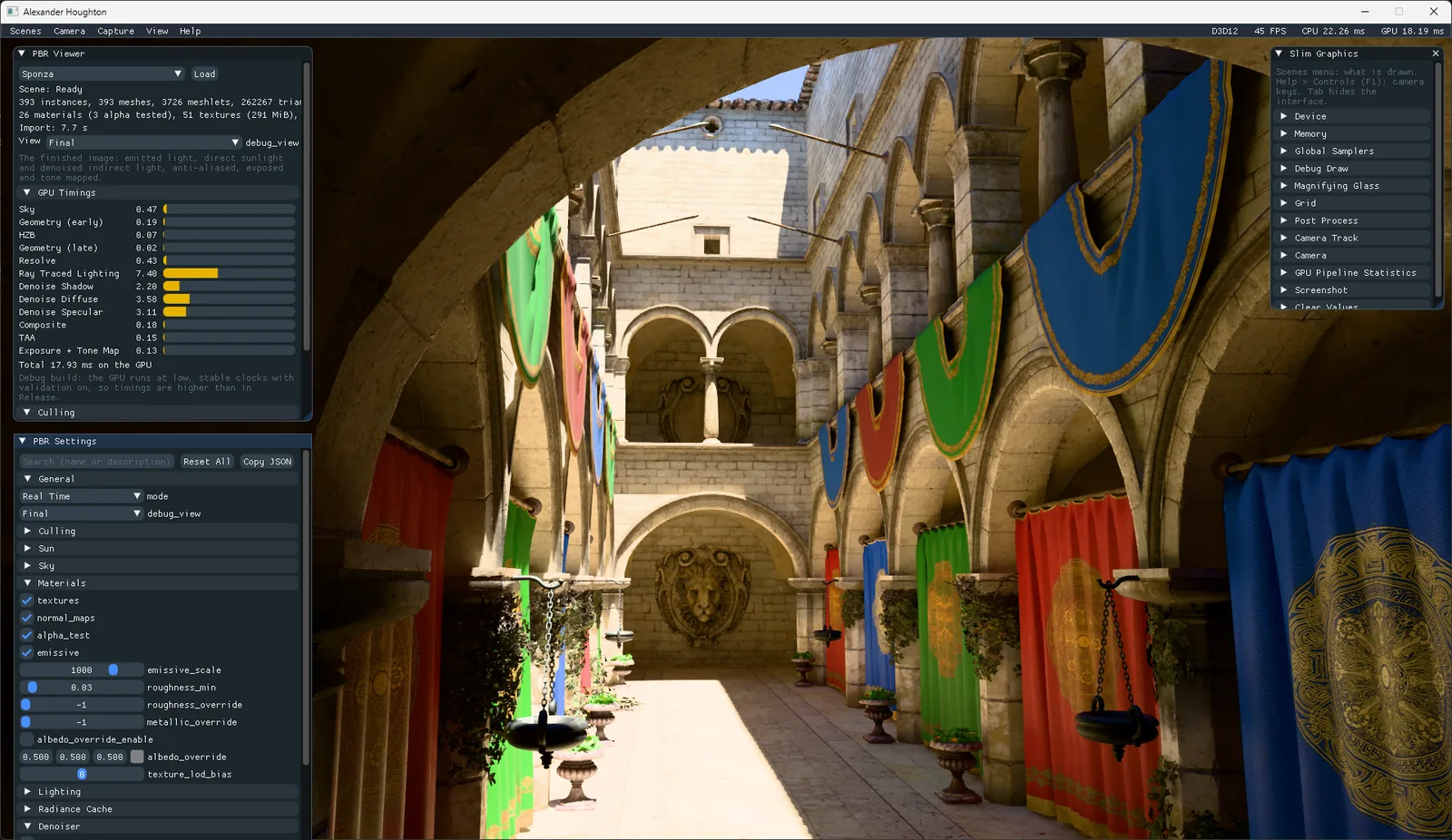
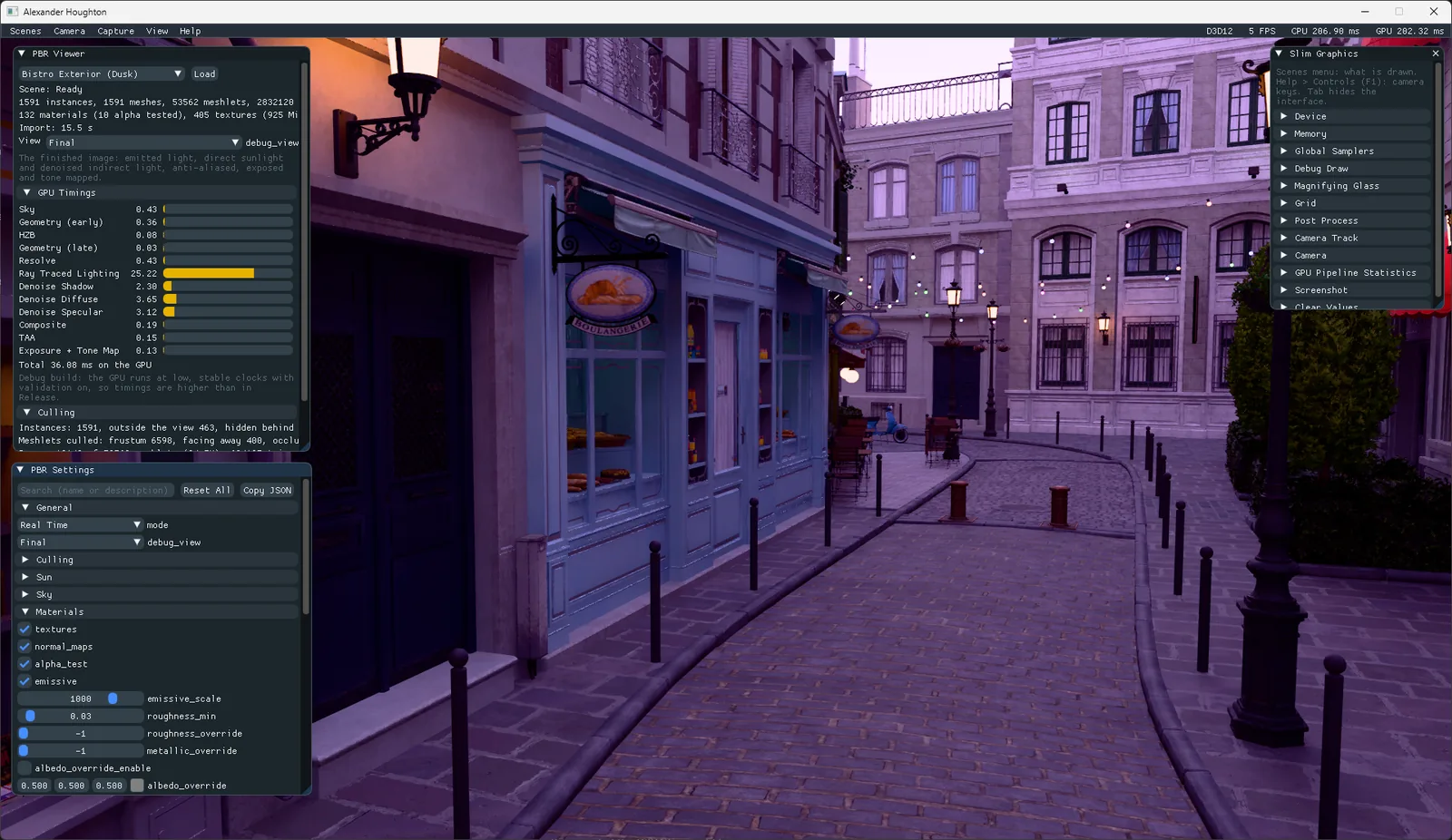
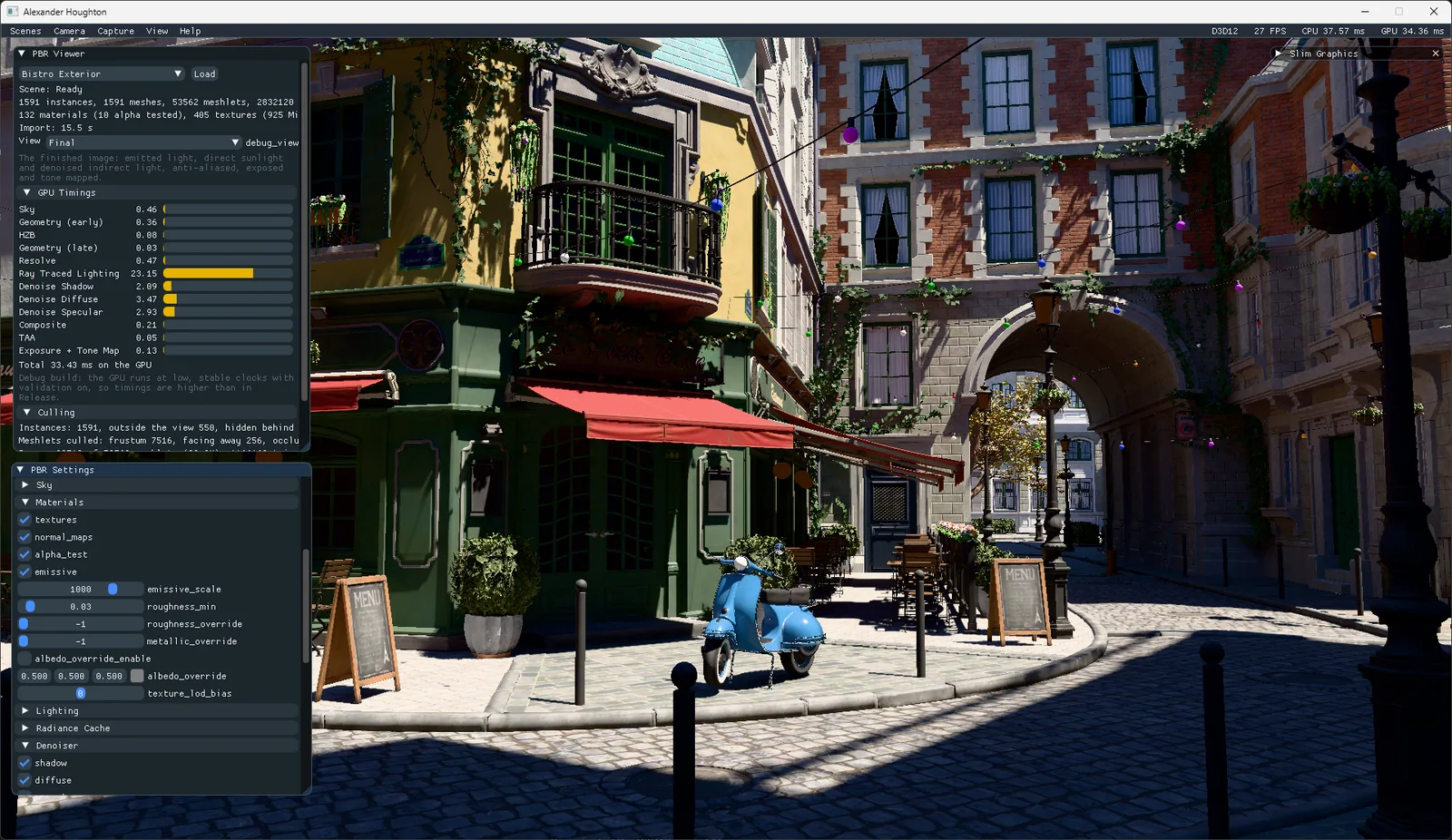
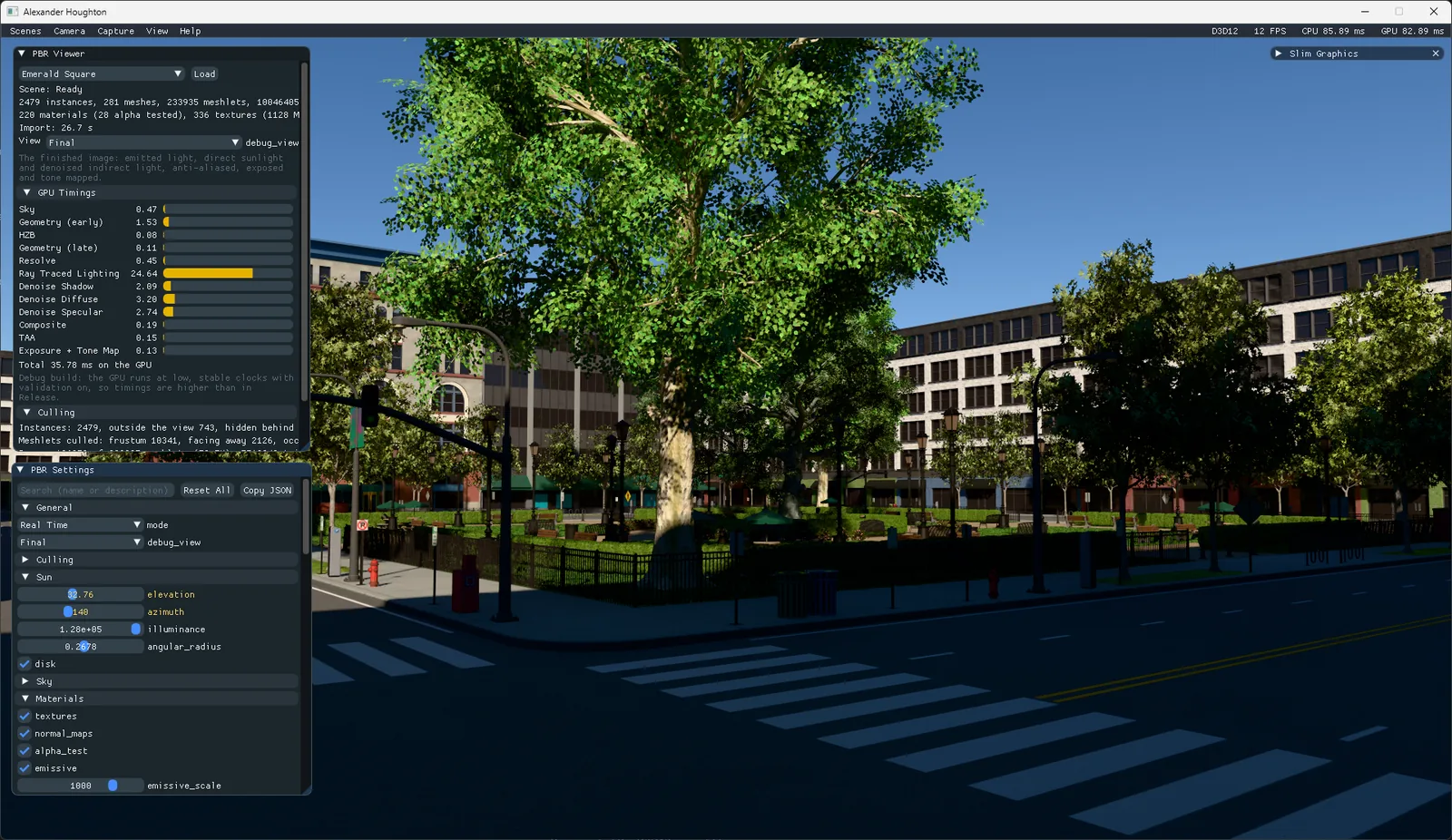
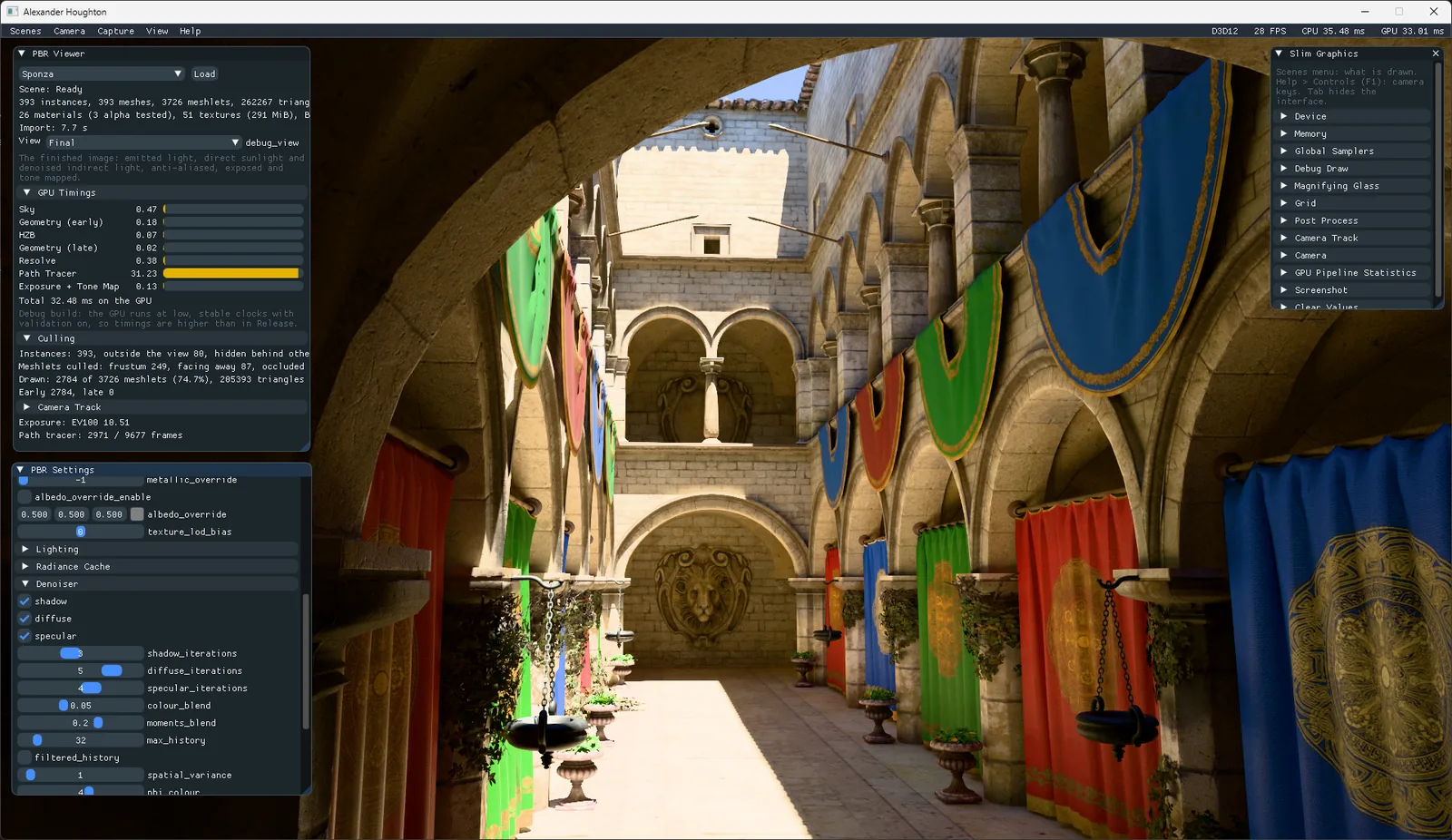
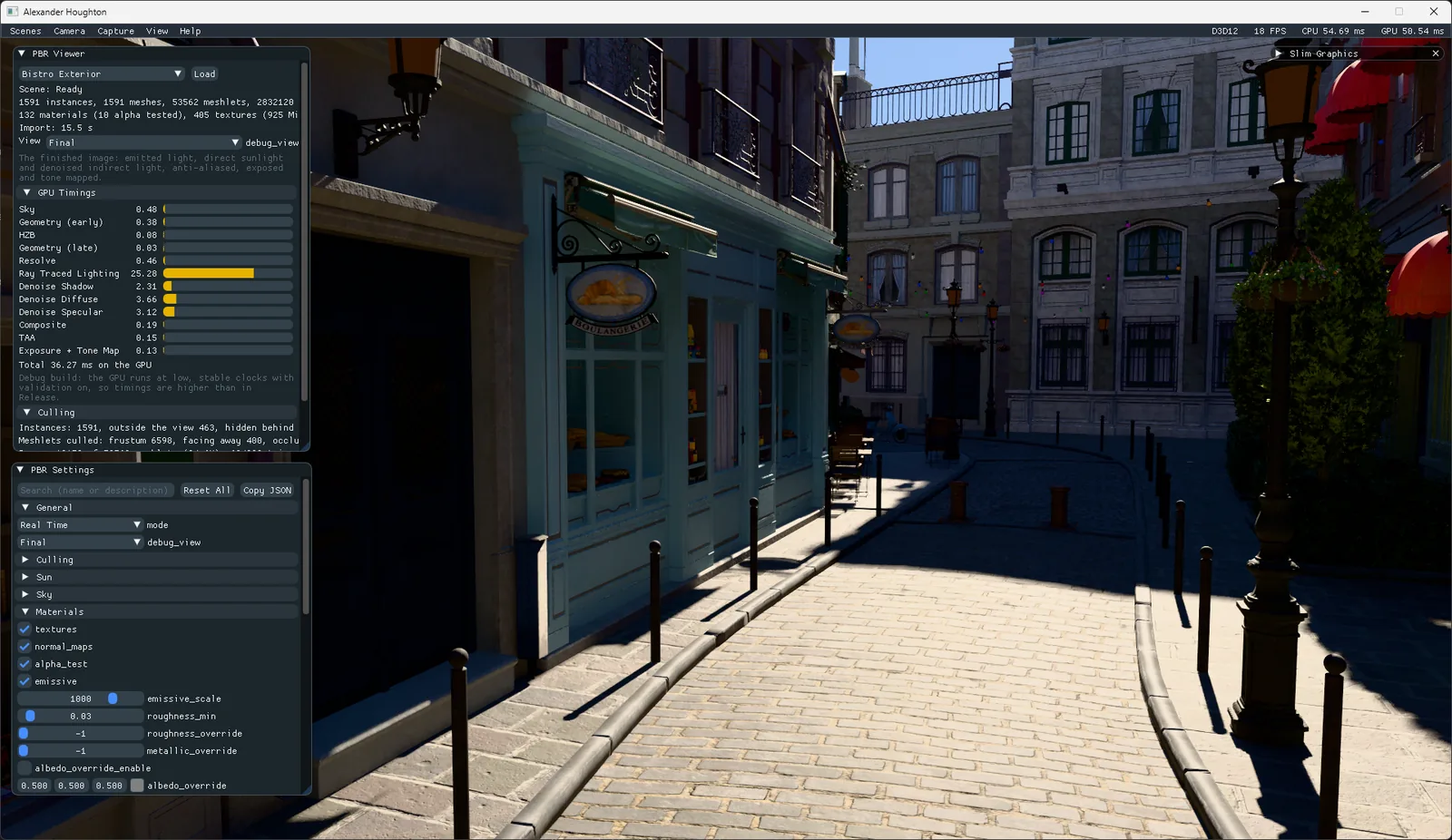
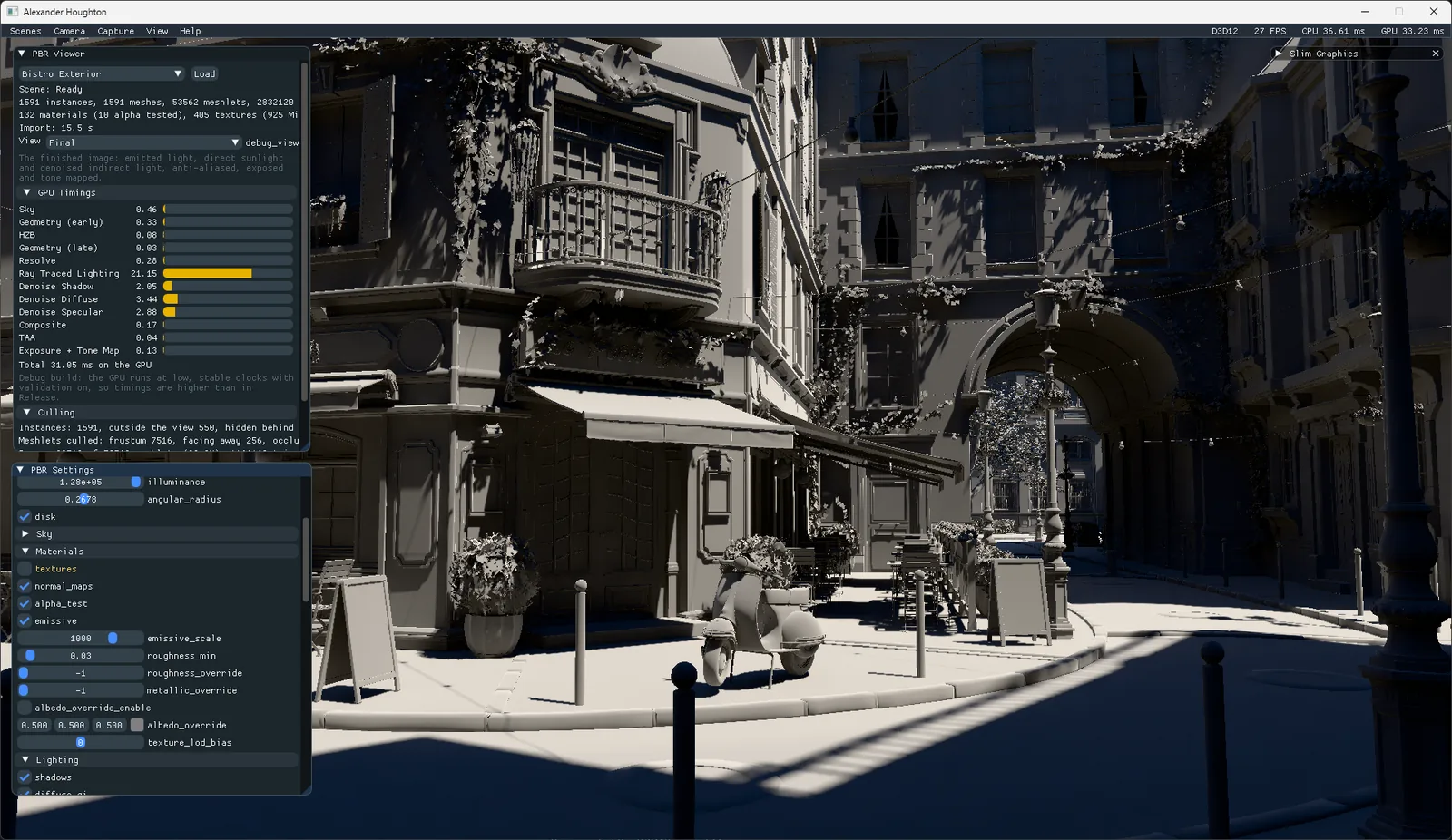
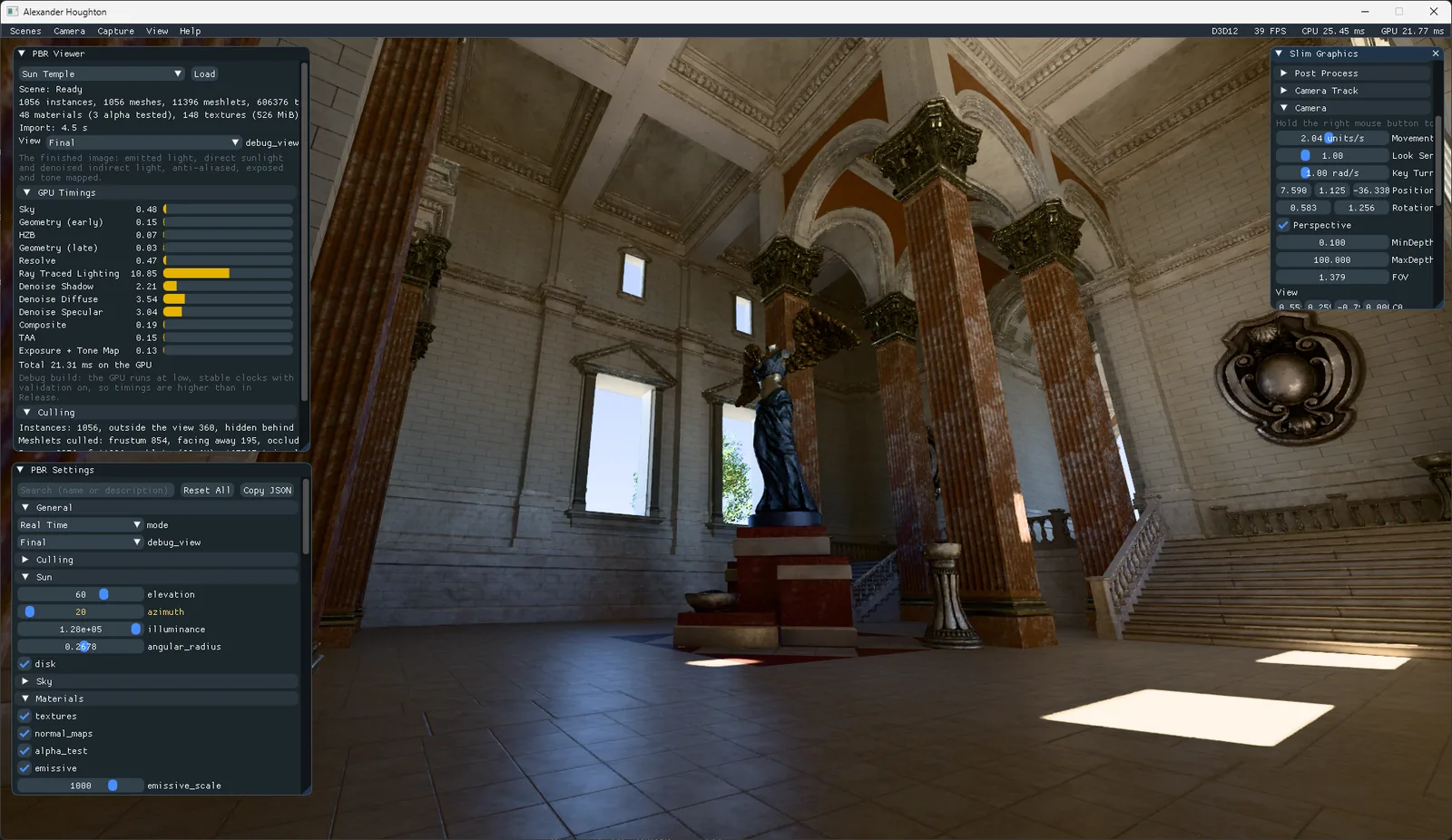
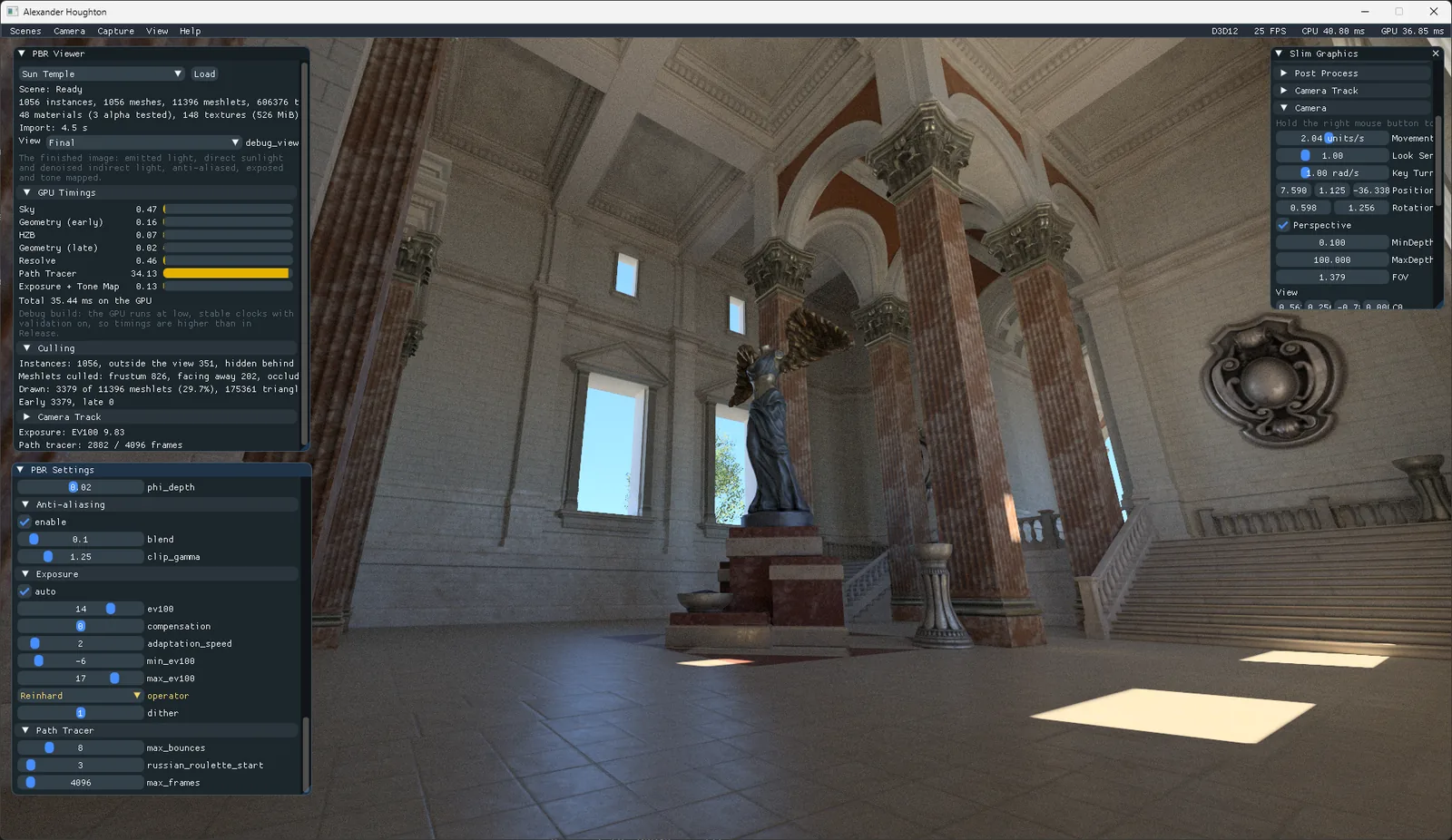
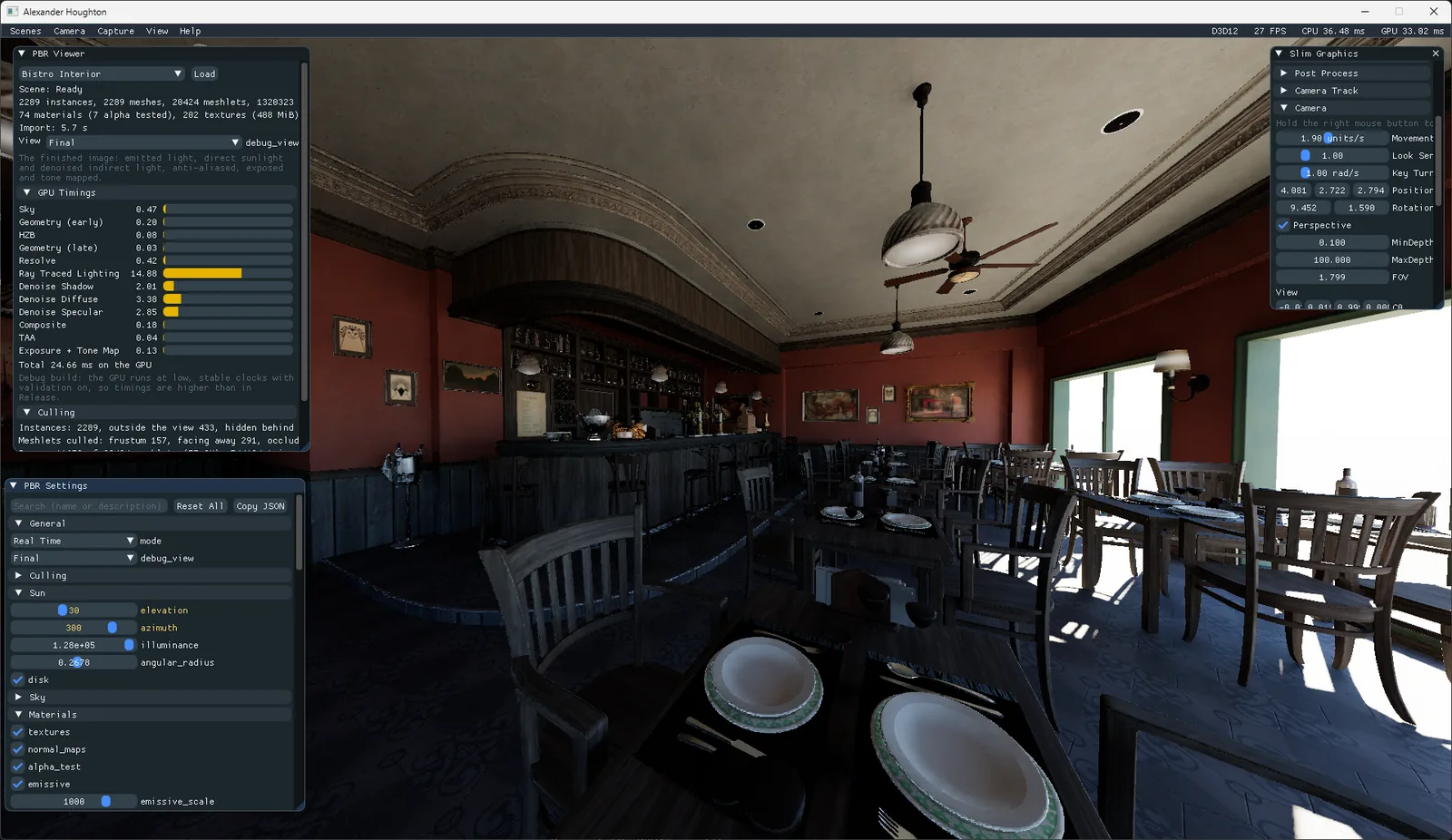
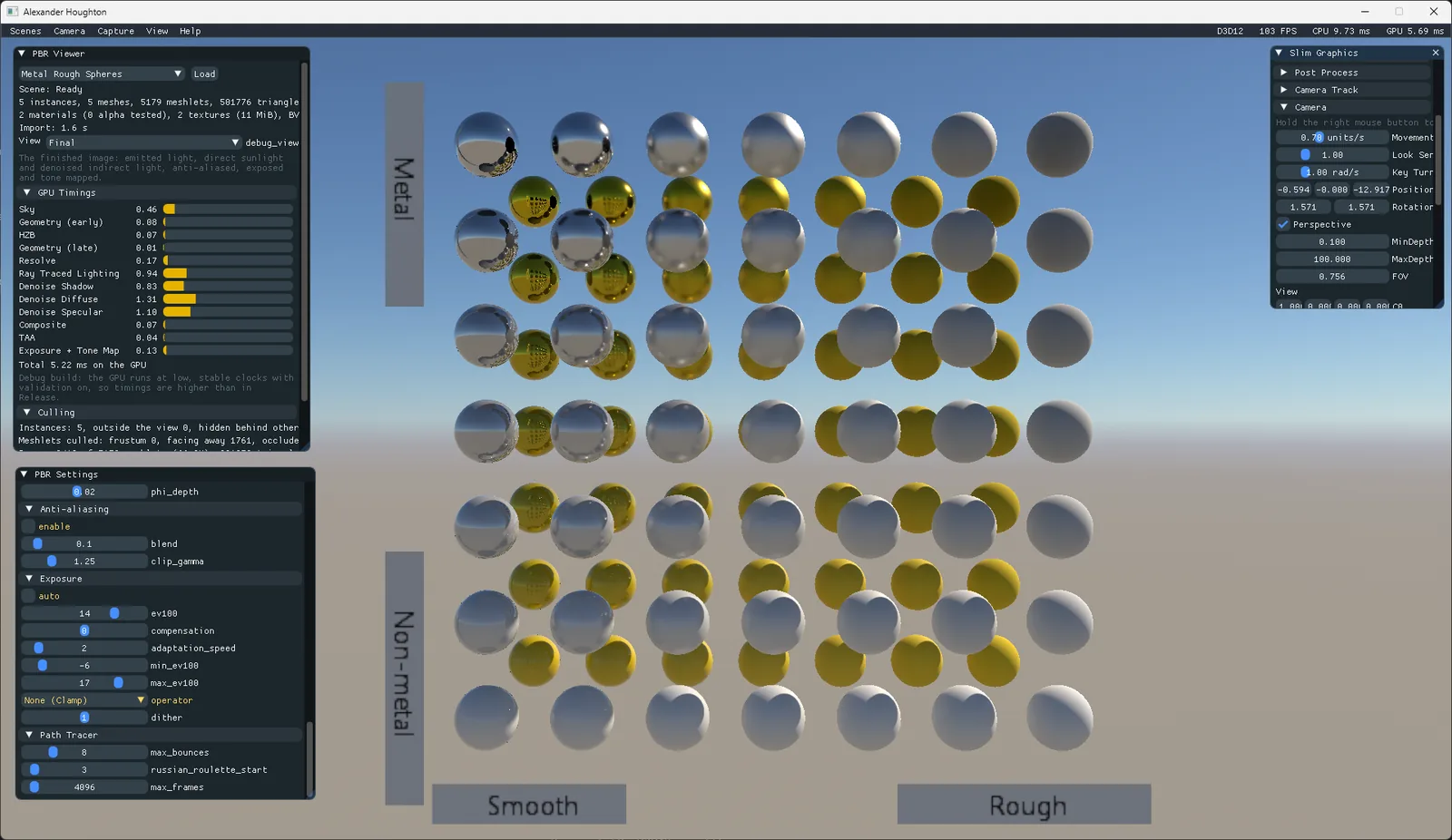
Looking just at what was produced here, the results are seriously impressive. The scenes look beautiful, and there are plenty of controls for exploring different lighting scenarios, texture setups, and tone-mapping operators.
It doesn’t feel as though the AI took the quickest route to deliver what I asked for; it really went above and beyond. It’s added scenes such as the Metal Rough Spheres above for example to really show off the reflections.
When I inspected the code, I found that the AI had stayed true to the foundations and API abstraction I’d created; it hadn’t gone rogue, which was good. It also added a new dynamic CVar system, with the CVars automatically exposed in ImGui:
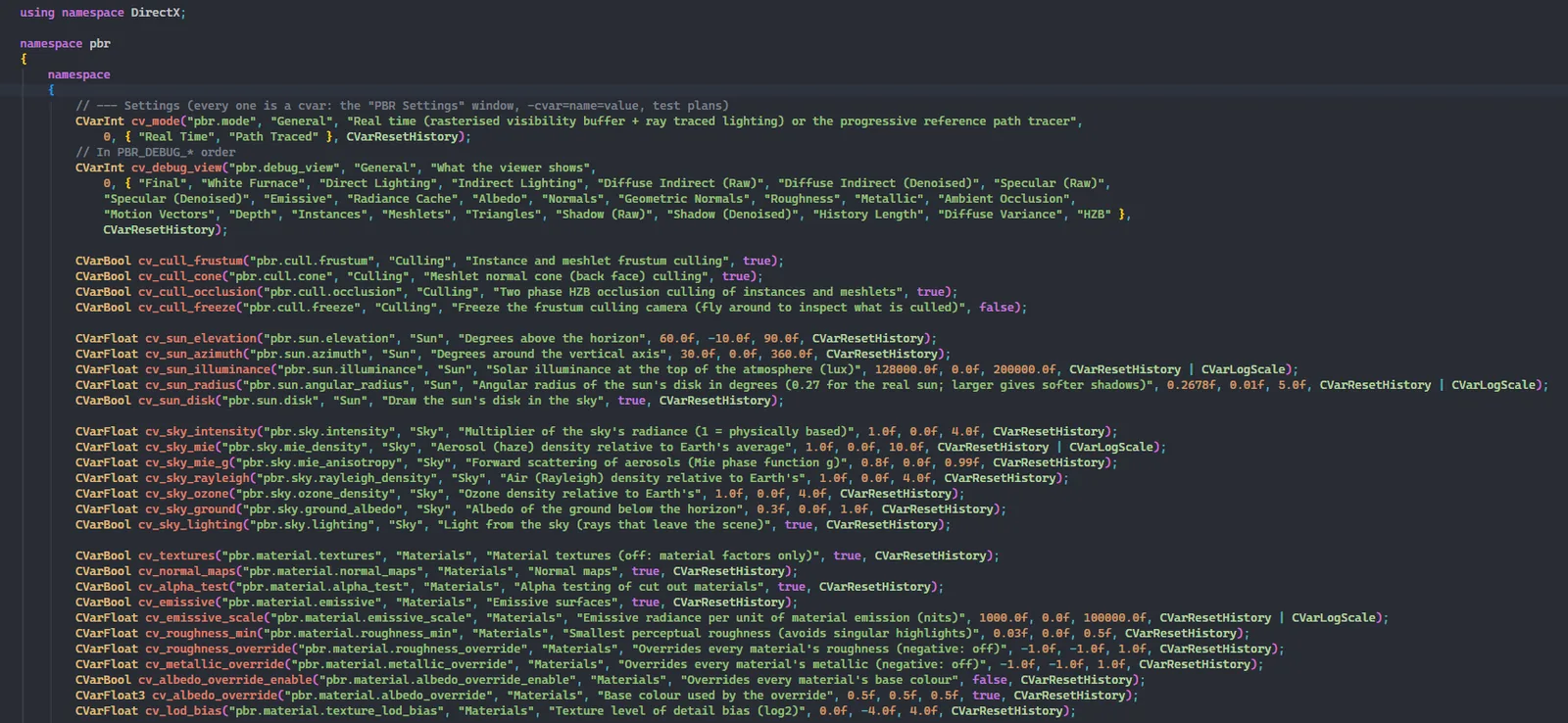
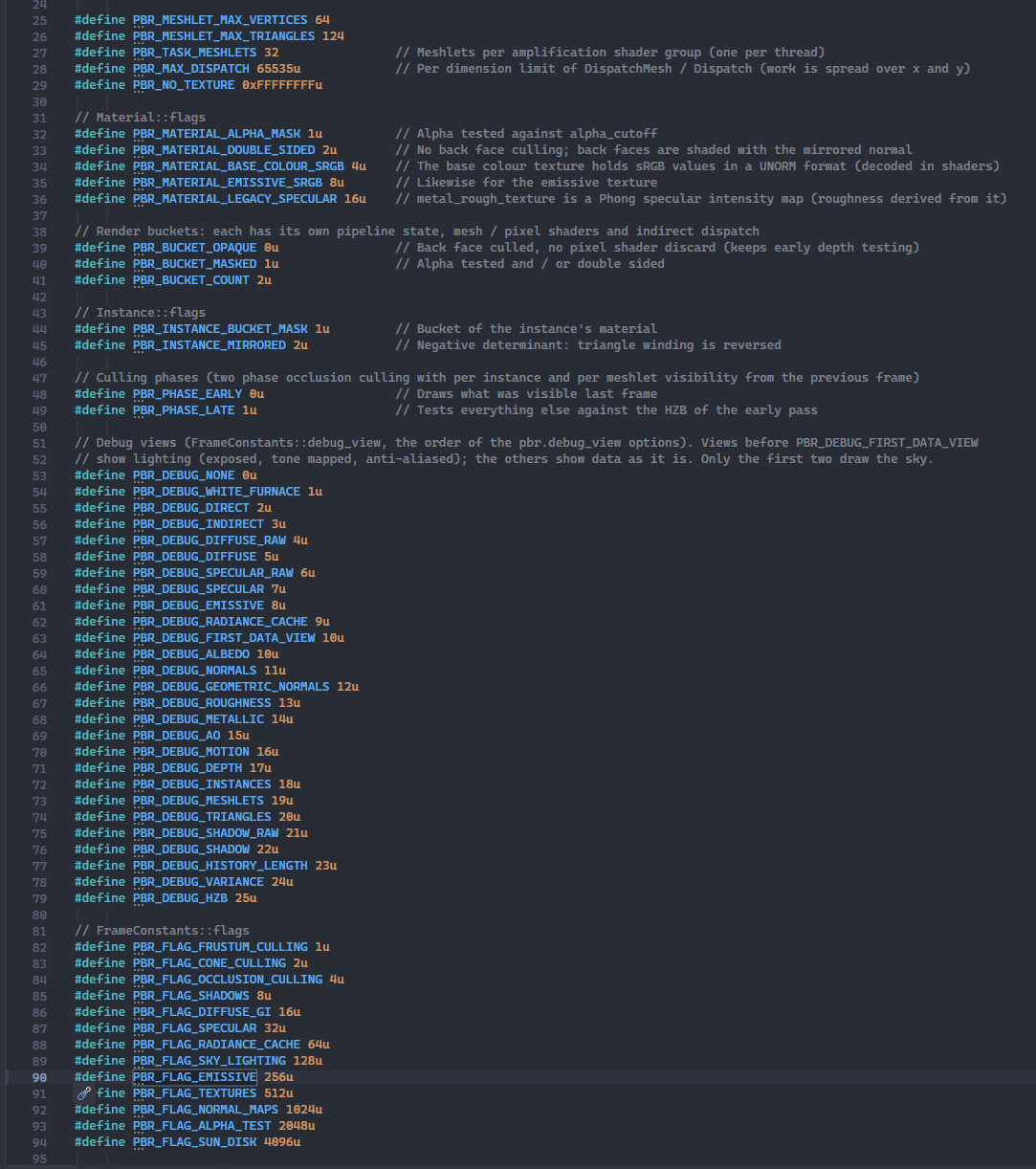
It also added a wealth of debugging features, many of which are exercised by its automated validation system.
I also noticed that it had done a good job of adhering to my existing naming conventions and coding style.
The Claude branch of Slim Graphics is here: https://github.com/comeradealexi/SlimGraphics/tree/claude
Aftermath & Thoughts#
It’s incredible what the AI achieved here. The PBR scenes look photorealistic, and the lighting is beautiful. It built a Vulkan backend almost from scratch, brought it to rendering parity with D3D12, and added complex scenes to my GDR renderer.
But what have I personally achieved through this process? I’ve learnt about using Claude to add features to my engine: how to write effective prompts, when to stop it getting bogged down, and how to give feedback that leads to good results.
What have I learnt about the finer details of building a full-blown PBR renderer and implementing ray-traced lighting? Absolutely nothing. The same is true of the modern Vulkan backend.
When I open Slim Graphics now, the project feels unrecognisable. The AI built on the foundations I laid while preserving my API, data structures, and overall code layout. However, the features it added from scratch, along with its changes to existing files, now feel completely foreign to me.
At the end of this process, this no longer feels like my engine. I’d feel disingenuous claiming responsibility for the features in this branch because I don’t fully understand how they work or how they were implemented. I don’t feel connected to them.
I created Slim Graphics to learn about graphics techniques and understand how GPUs work under the hood by adding features such as GPU-driven rendering and mesh shading. My roadmap included Vulkan API support, PBR, and ultimately ray tracing and path tracing. AI completed that feature roadmap in 24 hours, achieving more than I’d hoped for. The project achieved its goals, but I didn’t achieve mine: I haven’t learnt anything more about graphics techniques or how GPUs work under the hood.
It’s undoubtedly an interesting time to be a programmer… I intend to write a future blog post exploring my wider thoughts on AI and discussing many of the topics raised here.