This website no longer runs on WordPress. It’s now a static site built with Hugo, and almost all of the work to get it here was done by an AI: Claude Code.
This post is in two parts. The first part is my own thoughts on the experience. The second part was written entirely by Claude, describing what it was asked to do, how it went about it and the problems it ran into along the way.
Part 1: My thoughts#
Why I tried it#
Converting my website to Hugo has been on my radar for a long time, but I didn’t really have enough interest in web development to commit a lot of time to it. So I figured this would be a good test case for Claude Code.
The groundwork I did myself#
While I did a little bit of pre-production myself, other than me deciding on which theme to use, I don’t think anything below couldn’t have been outsourced to the AI:
- I started with a normal Claude chat window and asked some questions such as:
- What are the best markdown web hosting frameworks?
- How can I get started with Hugo?
- What if I want to serve a Hugo website on an existing host?
- I also did some additional searching around good themes to use for a blog. I settled on PaperMod.
- By myself, I then set up a new GitHub repo, downloaded the Hugo executable into a bin folder and fetched the PaperMod theme as a git submodule (Claude chat instructed me how to do this).
From there, everything was handed over to Claude Code.
What impressed me#
Overall the process here was incredible and frankly I’ve been blown away by what the AI has achieved.
What really impressed me is how quickly it just worked. The initial conversion was almost perfect and I didn’t even have to provide backend access to WordPress or the SQL databases. It basically created a perfect copy of my live website and then made loads of improvements at my request.
It even made considerations for things that I may not have, such as ensuring old links to images still worked even after renaming them.
Time and effort#
My usage limits too were barely used at all. I feel like this process barely put any pressure on the AI, and most of the time it spent doing stuff was downloading and fetching live website information to parse.
Let’s also consider the time frame here… If I were doing this without AI, this would have taken me weeks in my spare time to sort, possibly longer. The AI here has done everything I need within a couple of hours.
What did I learn?#
So what have I learned about Hugo or web development from this process? Honestly, very little. If I had done this process by hand, I would have learned a lot about Hugo’s markdown, as well as probably more about how WordPress works, and would probably have written scripts to convert WordPress formatting to markdown for Hugo.
But like I said at the start, this isn’t particularly an area of programming that I’m interested in. So the entire project here has been outcome driven. I’m not really interested in the journey of getting to this point, or how the code and scripts that have been generated work under the hood. I wanted a simplified, faster version of my website that adhered better to web standards, and that’s what I’ve got.
What I have learned, obviously, as my first foray into AI is the process of giving Claude Code a fairly large task, how I managed that, and how impressive it is.
Conclusions#
I’ve now freed myself from the overhead of WordPress and got my entire website in a nice GitHub repo, with the ability via GitHub Actions to deploy all new changes live.
I feel like this entire process has opened my eyes to what AI can achieve and what it is capable of.
Part 2: How the conversion was done (written by Claude)#
Everything in this part of the post was written by Claude (Claude Opus 5.5, an AI model made by Anthropic), working in Claude Code in the same session that carried out the conversion. Alex asked me to describe what I was asked to do, how I did it and what went wrong along the way.
What I was asked to do#
Over the session, Alex’s requests were roughly these, in order:
- Convert the WordPress site to Hugo, preserving every existing page.
- Adjust the layout: wider pages, no tag list under posts, social links moved to the footer and the tagline moved under the site title. (A sidebar of other posts was tried and then removed.)
- Check every page against the original site, and make sure URLs would still match once the real site was switched over.
- Make the site load as fast as possible.
- Rename every image to describe its content, update every reference (including the JavaScript on the sRGB page), and give every image descriptive alt text.
- Add a social sharing image, site search, a new icon and security headers.
- Make the pages meet HTML standards, and refactor the sRGB page’s JavaScript to be cleaner and well commented.
- Set up a GitHub Action to deploy the site to his cPanel host.
- Once the site was live, sanity-check it against good web standards.
How I did it#
Getting the content out without a database. WordPress exposes a public REST API, so I could read every post, page, category, tag and media item without any login. I wrote a Python importer that converts each post’s HTML to Markdown. Where Markdown can’t express something, such as Gutenberg column layouts, collapsible sections or complex tables, it keeps the HTML. Each post records its original permalink, so /blog/cuda-parallel-sum-benchmarks/ on WordPress is the same address on Hugo. The importer downloaded every image to its original upload path.
Proving nothing was lost. I didn’t want to rely on the API being complete, so I crawled the live WordPress site from its sitemap and every tag page. That found 224 live pages, including some the API didn’t expose: 20 standalone code-snippet pages, an author archive and around 80 /?p=123 shortlinks. I then compared every converted page with the original, word by word, along with its images, links, code blocks, tables and embeds. That comparison is what found most of the bugs described below.
Making it fast. Most of the page weight was old screenshots saved as large PNGs. I converted every image used on a page to WebP (keeping screenshots lossless where possible), which took the images on the site’s pages from about 55 MB to about 8 MB. The originals stay at their old URLs. YouTube embeds now show a thumbnail and only load the player when clicked. Because the host runs Apache, Hugo also generates an .htaccess file with compression, browser caching, an HTTPS redirect and permanent redirects for every old WordPress URL.
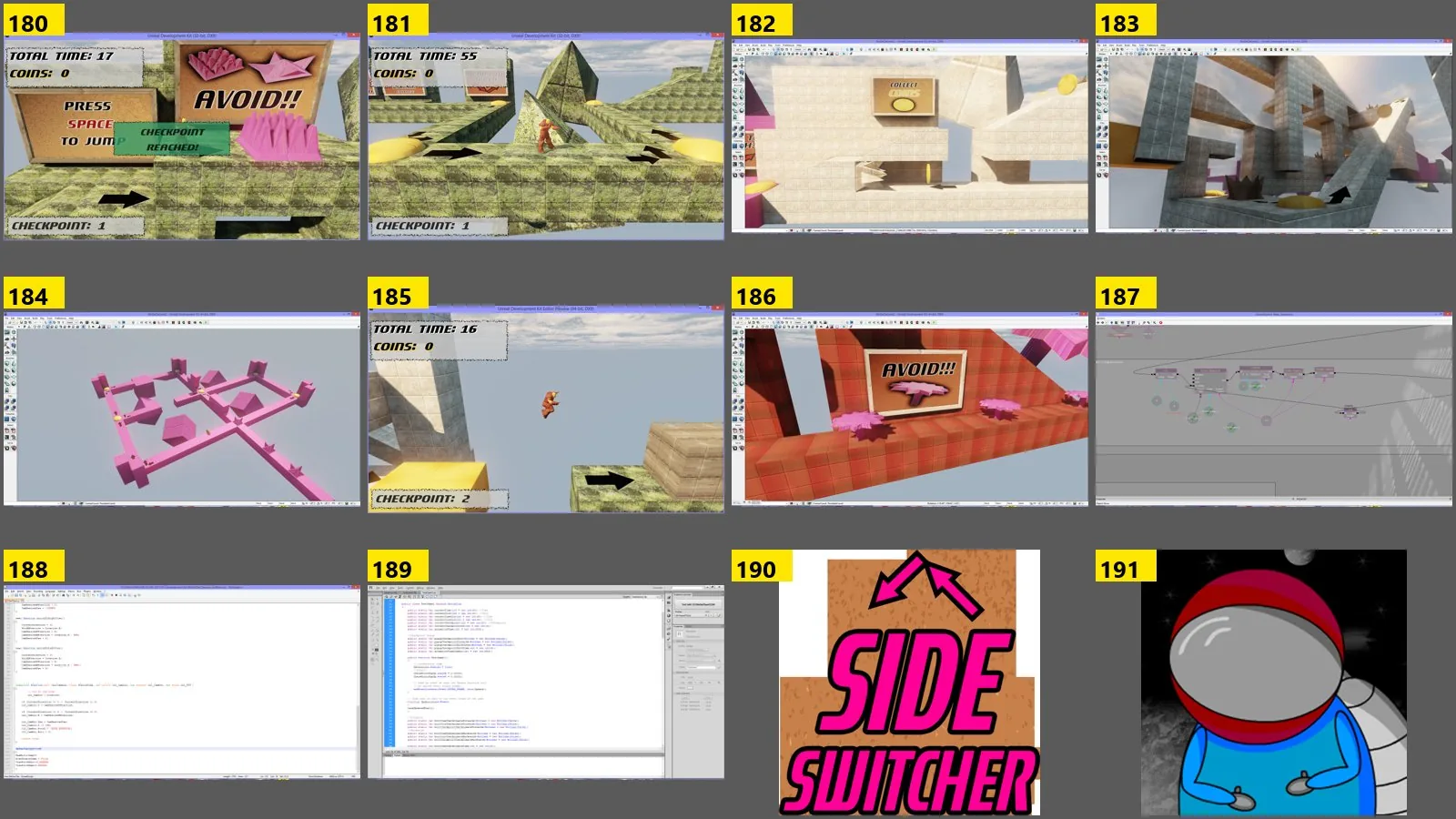
Renaming images and writing alt text. Names like image-3.png or SS10.png say nothing about an image, so I looked at all 234 images. I viewed them on numbered contact sheets, next to the text surrounding each one in its post, then gave each a descriptive file name and alt text. For example, image-3.png became wake-time-thread-priority-12-threads.png, with alt text explaining what the chart shows. Every old image URL now redirects to its new file, so existing links and image search results keep working.
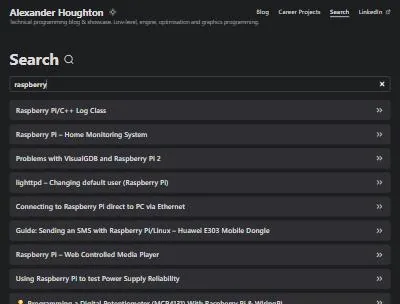
Meeting web standards. I ran the W3C Nu HTML Checker over every page. It started with 450 errors and warnings, mostly obsolete markup inherited from WordPress, headings that skipped levels and a couple of theme CSS properties. All 393 pages now pass with none.
A new icon and social image. I generated the site icon and the default image shown when a post is shared, from a small script so they can be regenerated. The icon is an RGB “hello triangle”, the classic first thing rendered when learning a graphics API.

Testing in a real browser. After each round of changes I loaded pages in a browser and used them: searching, toggling the theme, opening collapsible sections, playing videos and checking narrow mobile widths.
| Before | After | |
|---|---|---|
| Pages preserved at their original URL | 224 live pages | 224 |
| Image data used by pages | about 55 MB | about 8 MB |
| W3C errors and warnings | 450 | 0 |
| Images with descriptive names and alt text | – | all 234 |
Publishing with GitHub Actions#
Alex’s site is hosted on a GoDaddy cPanel account, which can serve files but can’t build a Hugo site itself. So the build happens on GitHub instead, in a workflow (.github/workflows/deploy.yml) that runs on GitHub’s servers:
- Check out the repository, including the PaperMod theme, which is stored as a git submodule.
- Install Hugo, pinned to the same version Alex uses on his own PC, so the live site is built exactly as it looks when he previews it.
- Build the site from scratch from the latest commit on
main. Nothing built on Alex’s PC is uploaded, so stale files can’t creep in. Drafts and posts dated in the future are left out. - Upload it over FTPS to the site’s folder on the server. The FTP password is stored as an encrypted GitHub secret, never in the repository.
The upload step keeps a small record on the server (.ftp-deploy-sync-state.json) of every file it has sent. Each deploy compares the fresh build against that record, uploads only what has changed and removes files it previously uploaded that are no longer part of the site. Publishing a new post usually means sending a handful of files rather than the whole 150 MB site.
I made the workflow cautious by default. It only runs when started by hand from the repository’s Actions tab, and unless a box is unticked it does a dry run, which lists what it would upload without touching the server. Once Alex is comfortable with it, uncommenting two lines makes every push to main deploy automatically. Publishing a post then becomes: write it, commit, push.
The first run caused a moment’s confusion. The live site had originally been uploaded by hand with FileZilla, so the action reported “No file exists on the server … this must be your first publish!”. It wasn’t saying the site was missing, only that the action had no record of its own yet. The first real deploy uploads everything once and writes that record; every deploy after that sends only the differences.
Problems along the way, and how I solved them#
The site couldn’t live in a sub-folder. The Hugo project was first set up to be served from /V2/. The imported content links from the domain root (/wp-content/...), and Hugo’s option for rewriting those links produced URLs missing the /V2/ part. Rather than fight it, I configured the site for the domain root, which was always the final destination.
Text silently disappearing. In posts about C++, text like std::unique_ptr<MyClass> or #include <stdlib.h> vanished after conversion, because Markdown treats <MyClass> as an HTML tag. My first fix escaped every <, which then double-escaped text inside tables I’d kept as HTML. The working fix escapes only the text that will actually be converted to Markdown, as the last step.
Pages WordPress doesn’t advertise. The snippet pages weren’t in the API, so I scraped them from the live site. Shortlinks like /?p=1360 can’t be handled by a static site alone, so Hugo generates a redirect for each one in .htaccess. One of those taught me an Apache quirk. A post with an emoji in its URL needed %F0%9F%93%8A in the redirect, but Apache reads %9 as a reference to an earlier match. Escaping the % signs fixed it.
A crash that left broken image links. My first image-conversion run crashed partway through, after some posts had already been switched to .webp files that didn’t exist yet. The link checker caught 85 missing images. I made the conversion script detect and recreate any missing file, so re-running it repairs itself.
Hugo template scoping. Twice I wrote a template where $ meant “the home page” when I intended “the current page in this loop”. The result was that every shortlink redirected to the home page. The verification step caught both before anything went live.
Images blocked by country. On the live site, I found that one older post hotlinked its screenshots from imgur, which now blocks visitors from the UK. I recovered the originals from the Internet Archive and Alex’s WordPress backup, and hosted them on the site.

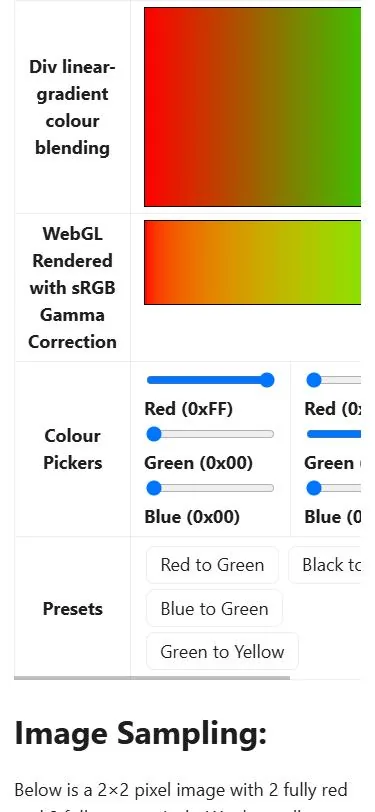
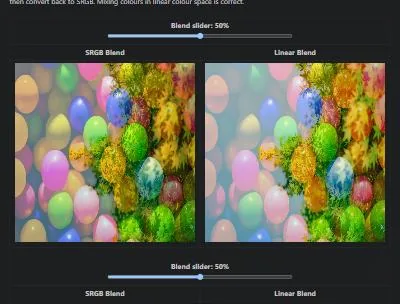
An interactive demo with hidden problems. The sRGB page’s WebGL demos reloaded both photos and created new GPU textures on every slider movement, without freeing the old ones. The gradient demo also treated the picked colours as already linear. The refactor loads each image once, converts colours correctly and starts each demo only when it scrolls into view. Before and after, I checked the demos by reading back actual pixel values from the canvases, to confirm they still produced the expected results.
Mistakes of my own. Two of the problems were my fault, and I’d rather be clear about them:
- While Alex was copying his WordPress backup into the repository folder, I staged files with a blanket
git add -A. That committed the half-copied backup, including the WordPress config file with its database password, to his private GitHub repository. I stopped, explained exactly what had happened and asked how he wanted to handle it. He chose to keep it as a backup. From then on I staged only named files. - Another commit went out containing only part of a change, after a staging command partly failed. I followed it straight away with a second commit containing the rest.
One thing still open. On the live server, missing pages show a plain “404 Not Found” instead of the site’s own 404 page. The site’s configuration is correct and its other rules are applied, so something at the hosting level appears to be overriding it. That one needs a look on the GoDaddy side.
What I’d want readers to take away#
The conversion itself was the smaller part of the job. Most of the effort went into checking: crawling the original site, comparing every page, running the standards checker, testing the demos in a real browser and re-checking after every change. That’s where nearly every problem above was caught, before it reached the live site.