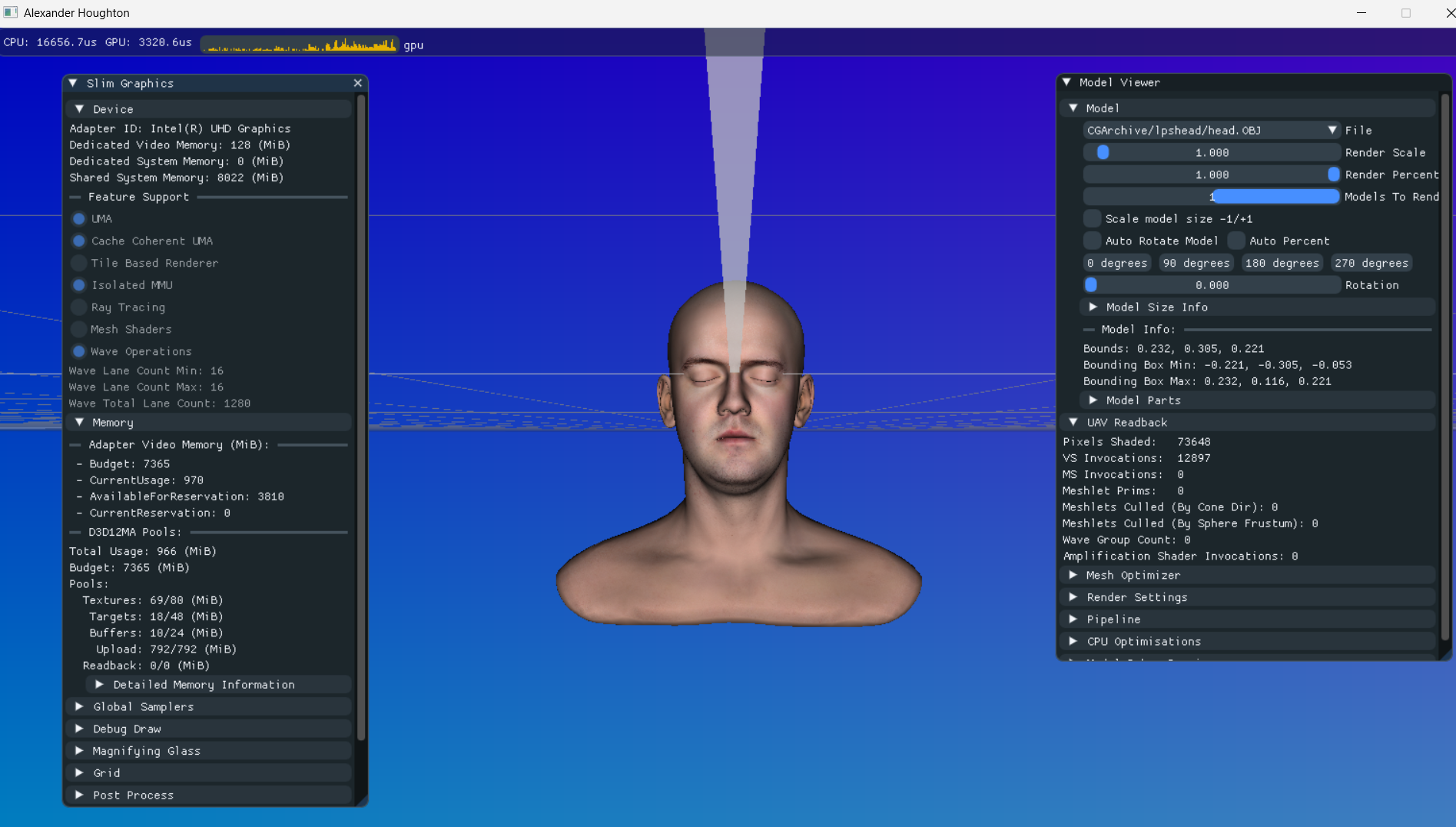
Slim Graphics is my toy graphics engine I’ve been using to experiment with different graphical techniques and learn more about DirectX 12 as well as other graphical features such as Mesh Shaders as well as optimisation techniques.
I have not designed the API to be perfectly optimal, nor have I set out to create the perfect graphics abstraction. Instead I have focussed on trying to make an API that is simple for me to expand upon and add new features easily, without getting bogged down in having to handle resource transitions at the perfect moments etc.
Over time, I will be writing individual posts about the various features I’ve implemented or things that I have found interesting.
Source code can be found here: https://github.com/comeradealexi/SlimGraphics – See the ReadMe on github for up to date information on features and setup process.
As of writing this post, here are some of the main features:
- 3D Model and texture loading via Assimp
- Mesh shader support
- Amplification shader support
- GPU meshlet culling (cone and frustum)
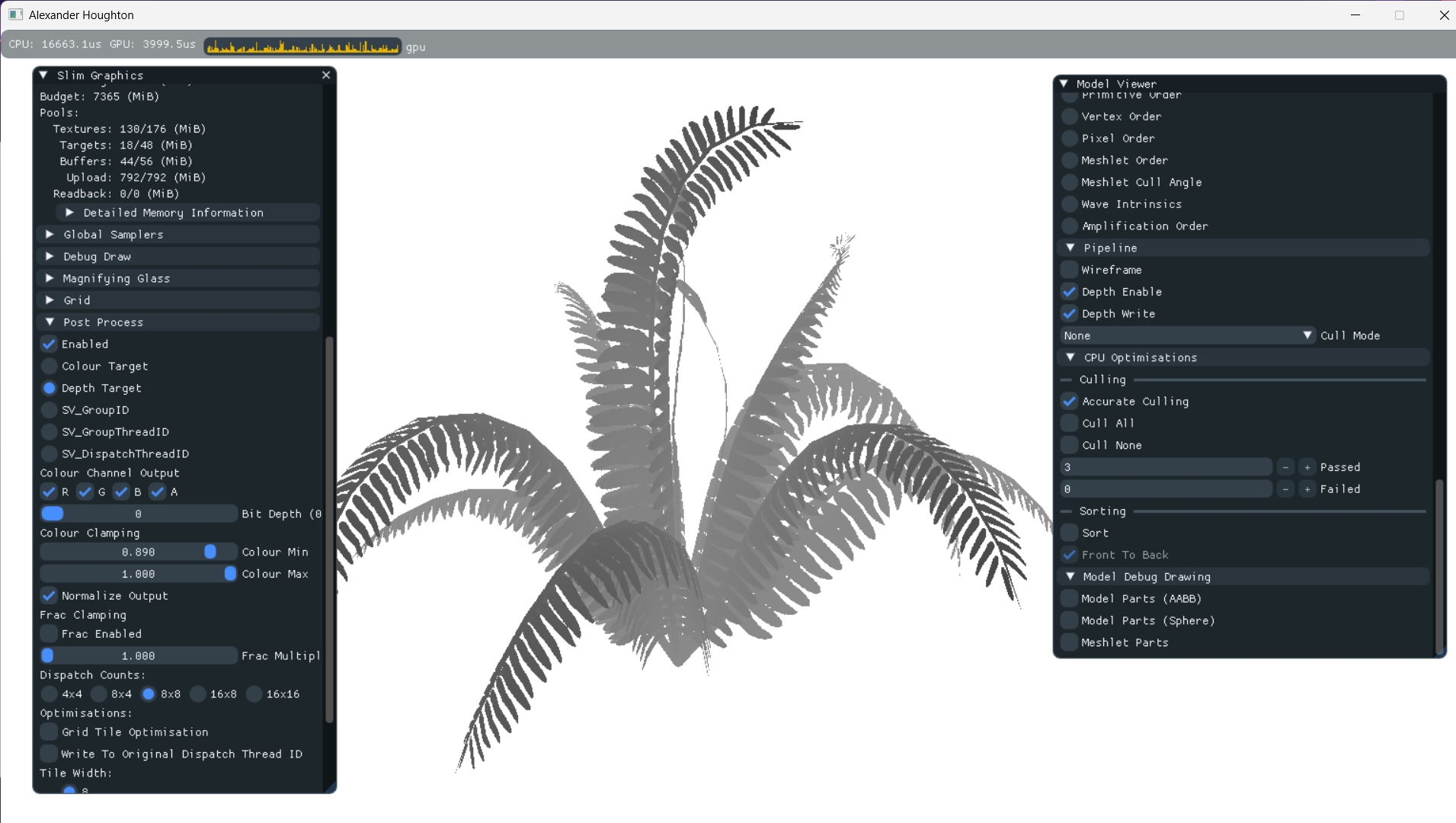
- CPU frustum culling
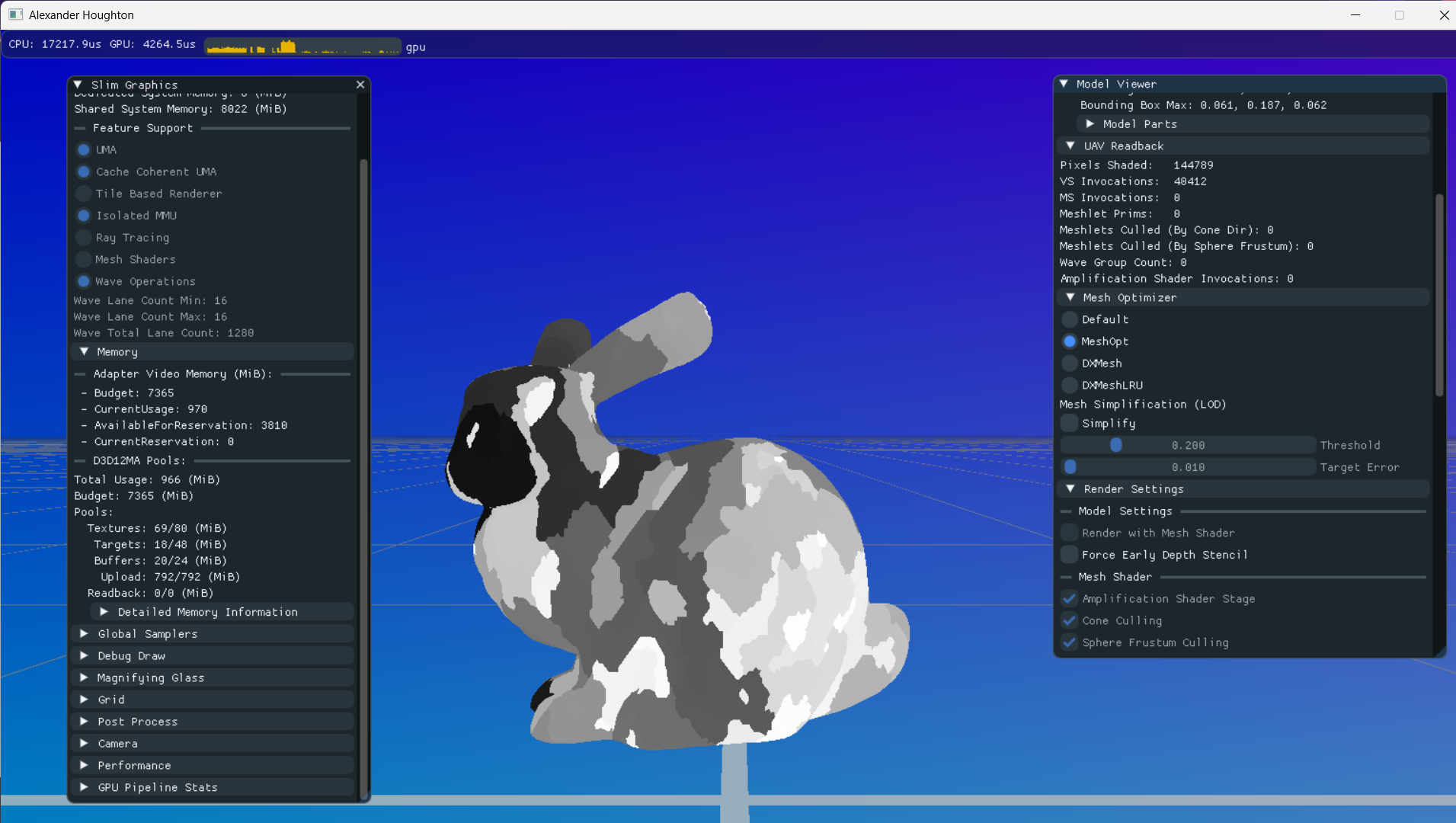
- Basic post-processing and visualisations
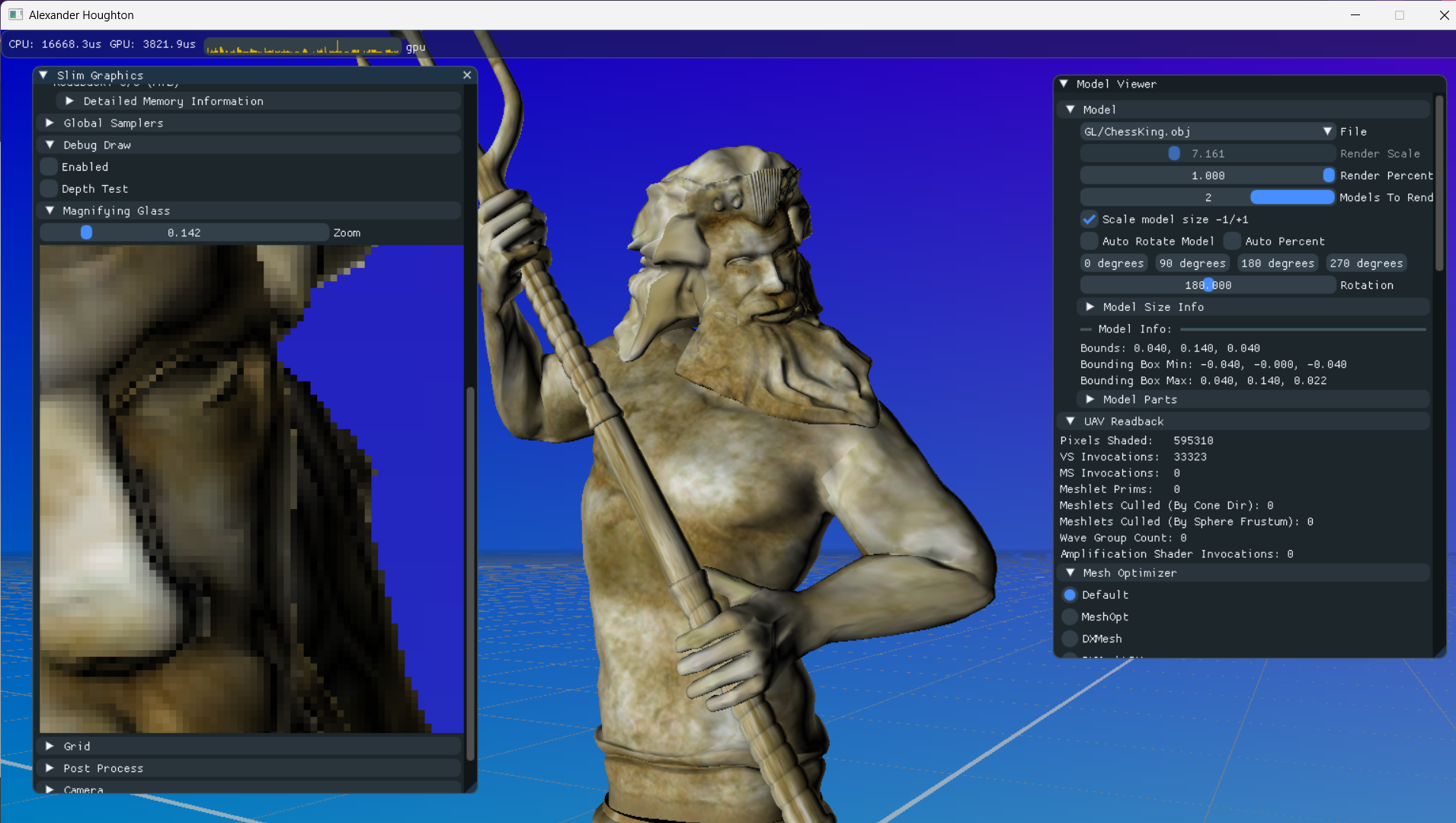
- Built-in magnification tool
- JSON driven shader compiling via C# tool
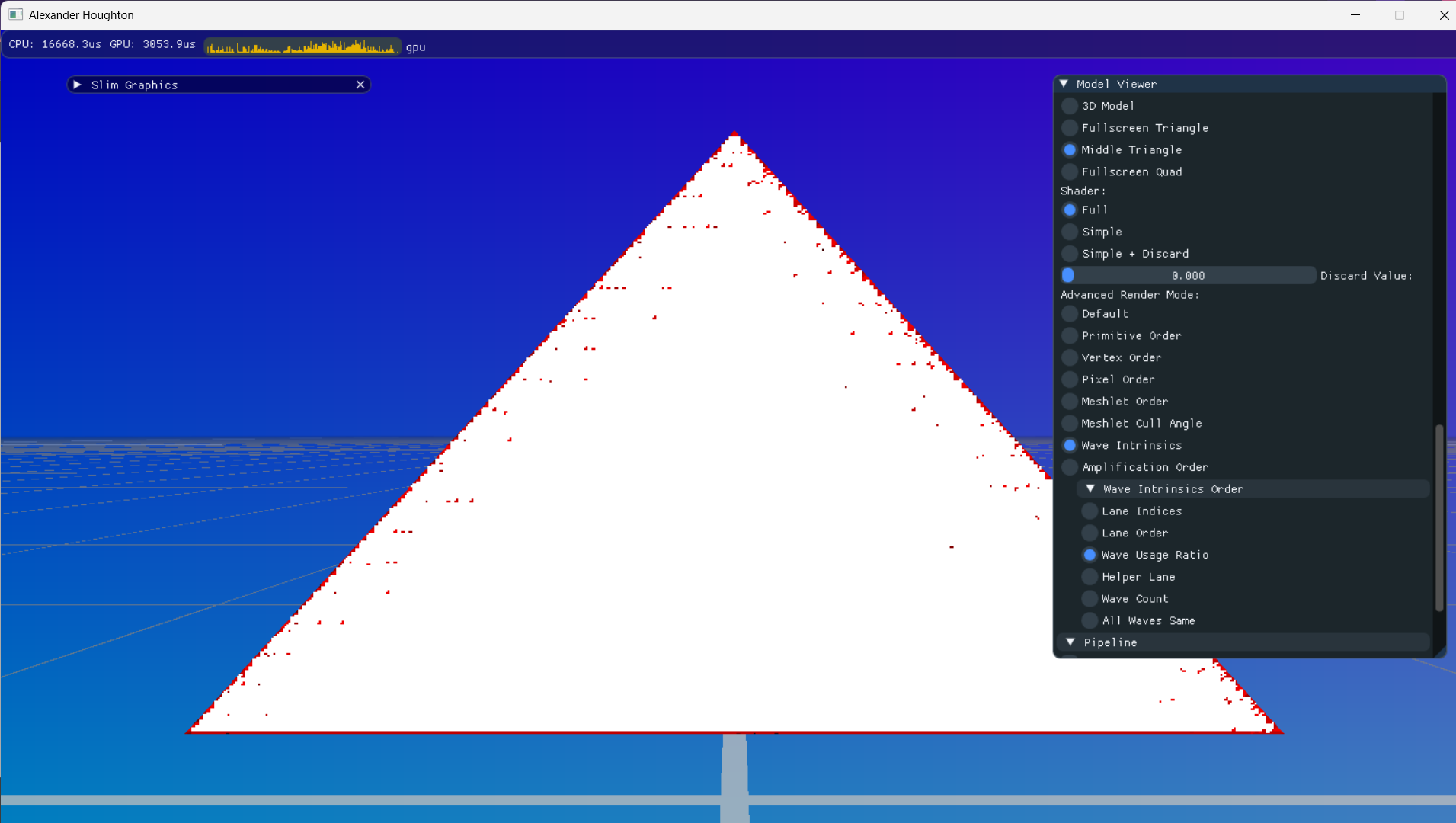
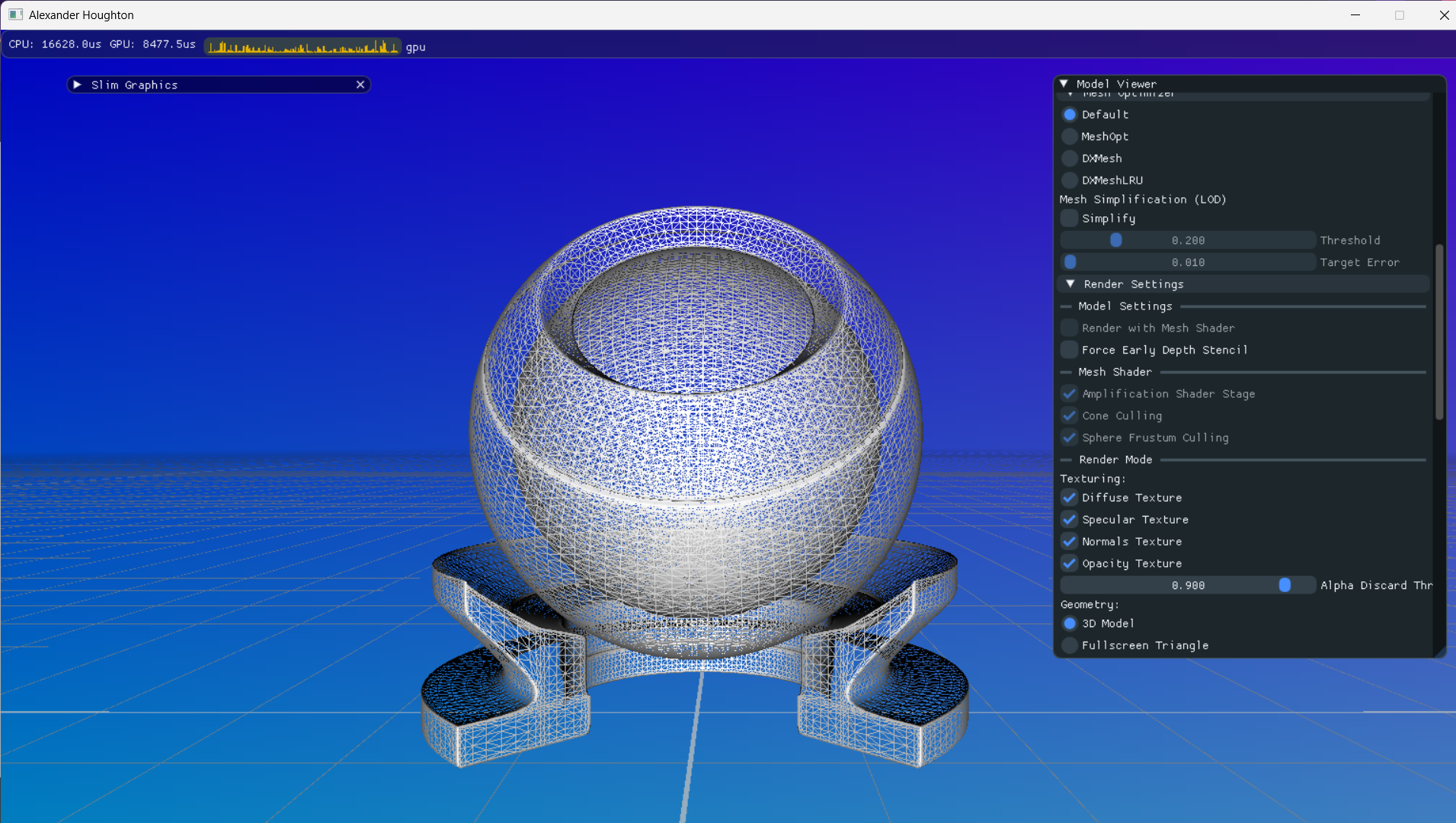
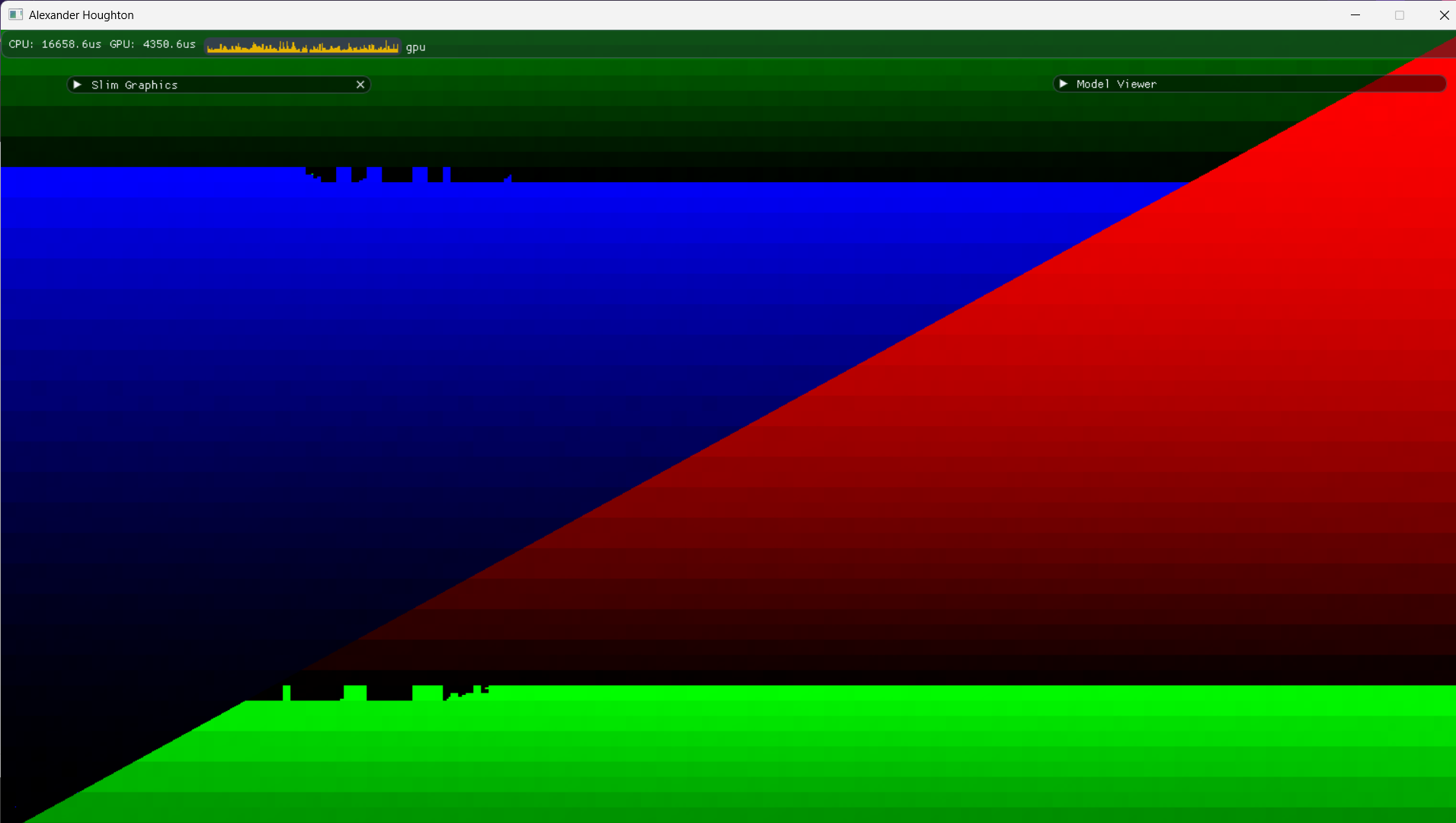
- Model visualisations
- vertex & prim order
- wave intrinsics
- pixel order
- meshlet & amplification
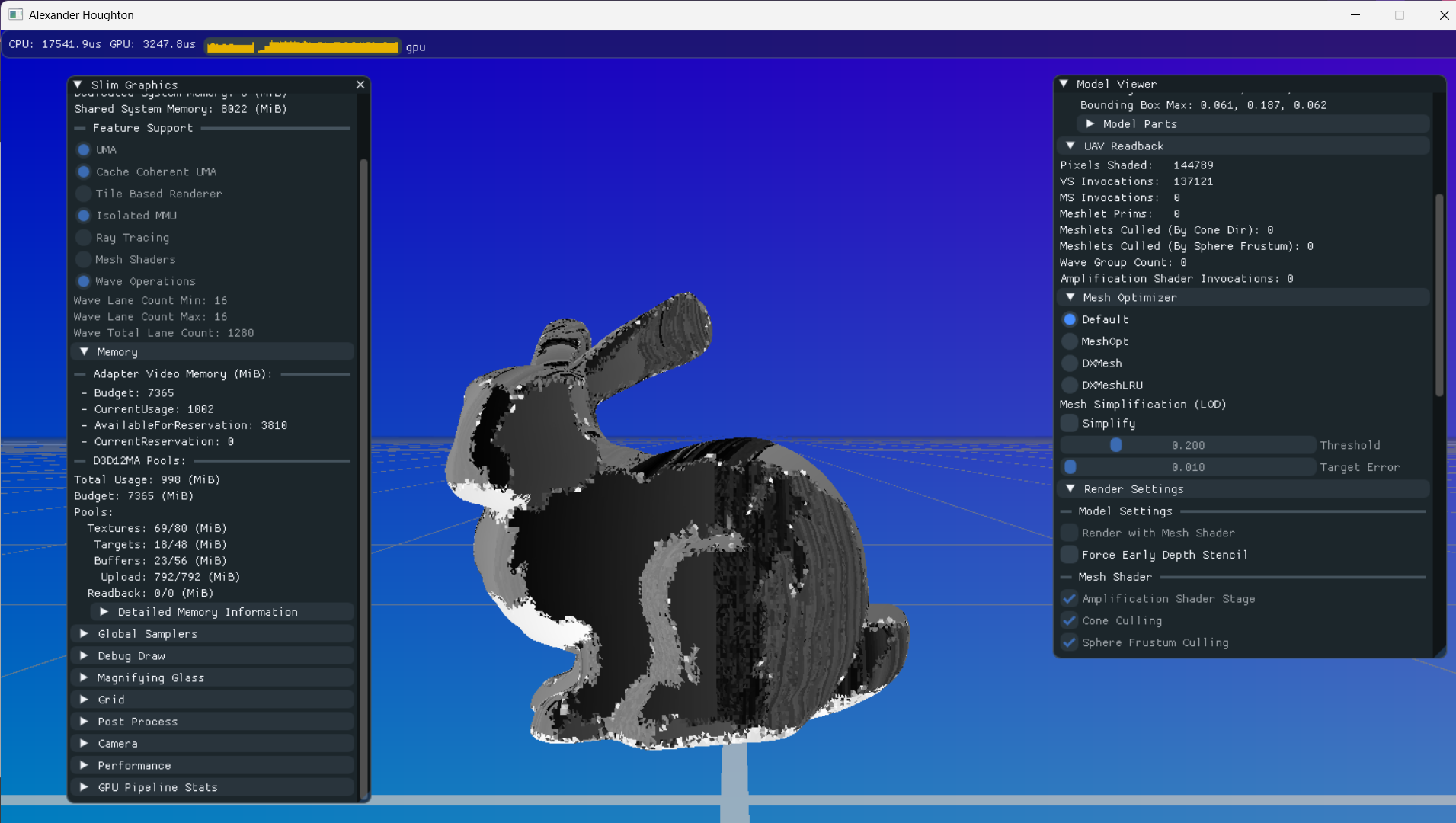
- Model cache optimisation (meshoptimizer and DirectXMesh)
- Model simplification (via meshoptimizer)
- Pipeline feedback (Via API and UAV Readback)
Leave a Reply